1
Using the Command Line Interface
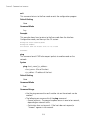
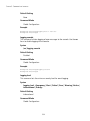
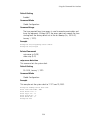
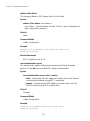
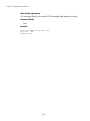
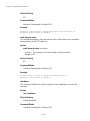
Default
None
Command Mode
Global Configuration
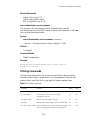
Command Usage
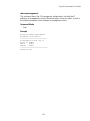
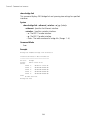
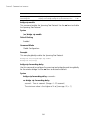
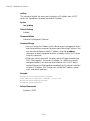
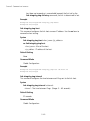
The access point currently only supports EAP-MD5 CHAP for 802.1X
supplicant authentication.
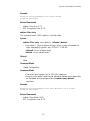
Example
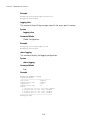
Enterprise AP(config)#802.1x-supplicant user AP8760 dot1xpass
Enterprise AP(config)#
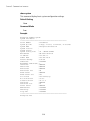
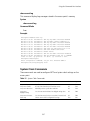
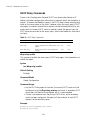
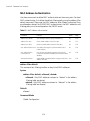
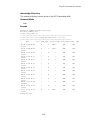
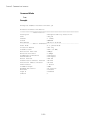
show authentication
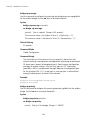
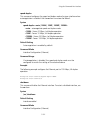
This command shows all 802.1X authentication settings, as well as the address
filter table.
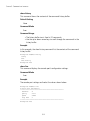
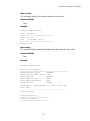
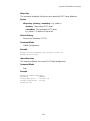
Command Mode
Exec
Example
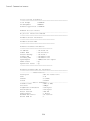
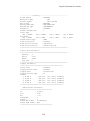
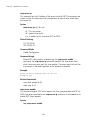
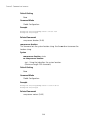
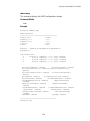
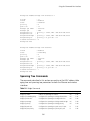
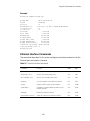
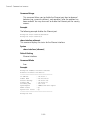
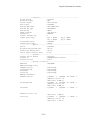
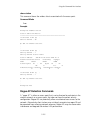
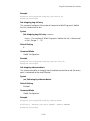
Enterprise AP#show authentication
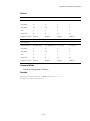
Authentication Information
===========================================================
MAC Authentication Server
: DISABLED
MAC Auth Session Timeout Value : 0 min
802.1x supplicant
: DISABLED
802.1x supplicant user
: EMPTY
802.1x supplicant password
: EMPTY
Address Filtering
: ALLOWED
System Default : ALLOW addresses not found in filter table.
Filter Table
MAC Address
Status
-------------------------00-70-50-cc-99-1a
DENIED
00-70-50-cc-99-1b
ALLOWED
=========================================================
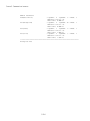
Enterprise AP(config)#
5-75