1
DC-200 RAID card
User’s Manual
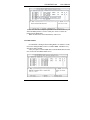
RAID array will be damaged and can’t be restored after deleting the
RAID array.
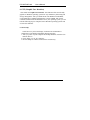
3.2.3 Display configuration
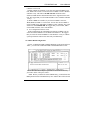
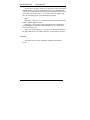
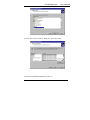
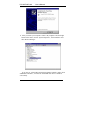
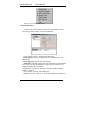
Choose this function and it will display detailed information of RAID
arrays:
From the left to the right in the window, it will display the following
information:
HDD location: Where HDDs are connected, such as PM, SM, PS, SS.
HDD type: The manufacturer and model of HDDs.
HDD working mode: In which mode HDDs work, such as UDMA,
DMA and PIO.
HDD cable: Cable connected to HDDs and DC-200 card, such as
80P(ATA 100/66) and 40P(ATA 33).
HDD capacity: The capacity of connected HDDs.
HDD status: current status of HDDs, such as ATA, RAID 0, RAID 1,
RAID 0+1, JBOD.
If you press any key at this screen, it will return to the main menu.
3.2.4 Delete HDD partition
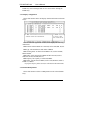
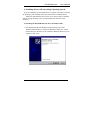
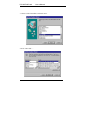
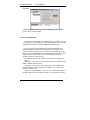
Choose this function to delete a HDD partition in the selected RAID
array:
E14/E43