1
Basics of Creating Logic Blocks
10.8 Updating Block Calls
10.8
Updating Block Calls
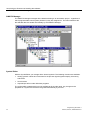
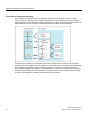
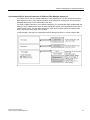
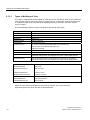
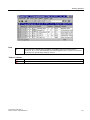
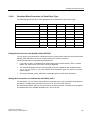
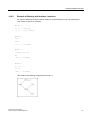
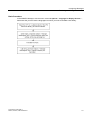
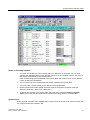
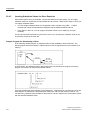
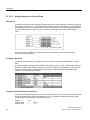
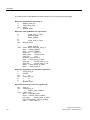
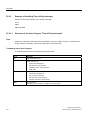
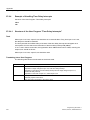
You can use the menu command Edit > Block Call > Update in "LAD/STL/FBD - Programming S7
Blocks" to automatically update block calls which have become invalid. After you have carried out
the following interface changes, you must perform an update:
•
Inserted new formal parameters
•
Deleted formal parameters
•
Changed the name of formal parameters
•
Changed the type of formal parameters
•
Changed the order of formal parameters.
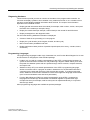
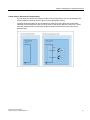
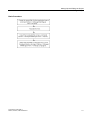
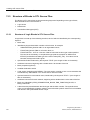
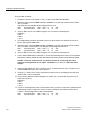
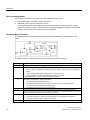
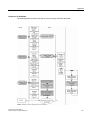
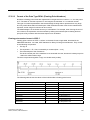
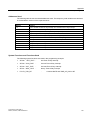
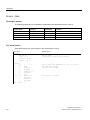
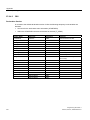
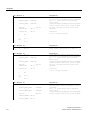
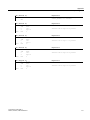
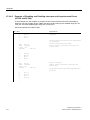
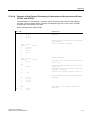
When assigning formal and actual parameters, you must follow the following rules in the order
specified:
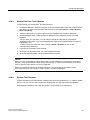
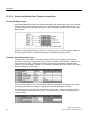
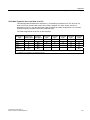
1. Same parameter names:
The actual parameters are assigned automatically, if the name of the formal parameter has
remained the same.
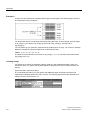
Special case: In Ladder Logic and Function Block Diagram, the preceding link for binary input
parameters can only be assigned automatically if the data type (BOOL) is the same. If the data
type has been changed, the preceding link is retained as an open branch.
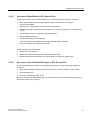
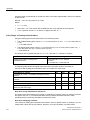
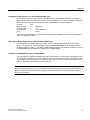
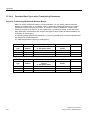
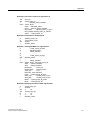
2. Same parameter data types:
After the parameters with the same name have been assigned, as yet unassigned actual
parameters are assigned to formal parameters with the same data type as the "old" formal
parameter.
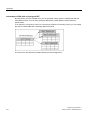
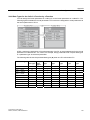
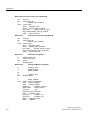
3. Same parameter position:
After you have carried out rules 1 and 2, any actual parameters which have still not been
assigned are now assigned to the formal parameters according to their parameter position in
the "old" interface.
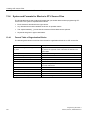
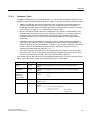
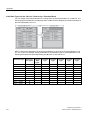
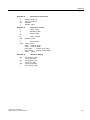
4. If actual parameters cannot be assigned using the three rules described above, they are
deleted or, in the case of binary preceding links in Ladder Logic or Function Block Diagram,
they are retained as open branches.
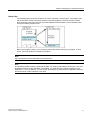
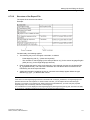
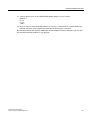
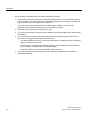
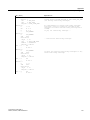
After carrying out this function, check the changes you have made in the variable declaration table
and in the code section of the program.
Programming with STEP 7
Manual, 05/2010, A5E02789666-01
263