1
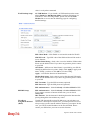
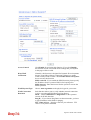
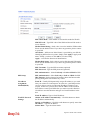
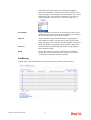
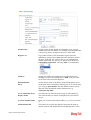
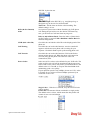
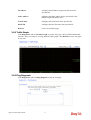
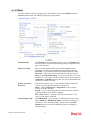
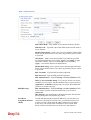
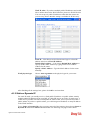
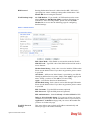
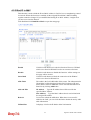
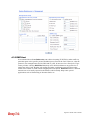
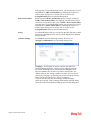
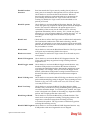
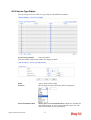
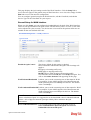
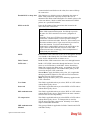
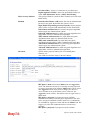
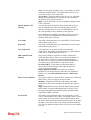
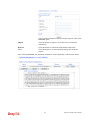
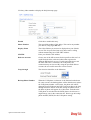
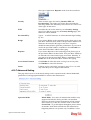
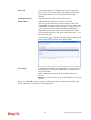
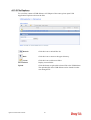
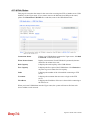
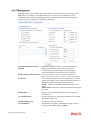
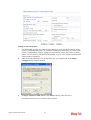
Set Community
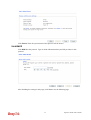
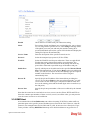
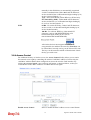
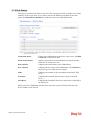
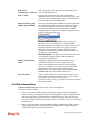
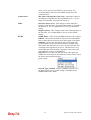
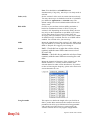
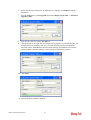
Set community by typing a proper name. The default
setting is private.
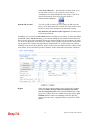
Manager Host IP
Set one host as the manager to execute SNMP function.
Please type in IP address to specify certain host.
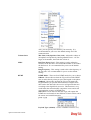
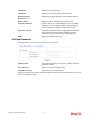
Trap Community
Set trap community by typing a proper name. The default
setting is public.
Notification Host IP
Set the IP address of the host that will receive the trap
community.
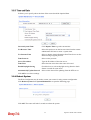
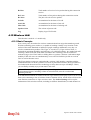
Trap Timeout
The default setting is 10 seconds.
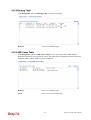
4.14.8 Reboot System
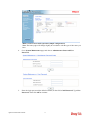
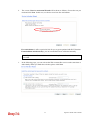
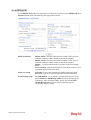
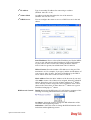
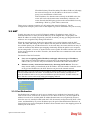
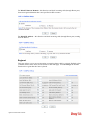
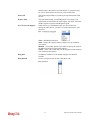
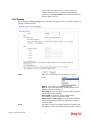
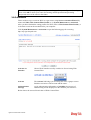
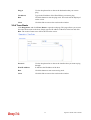
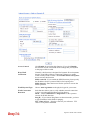
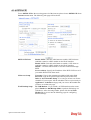
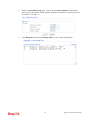
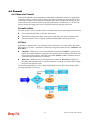
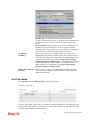
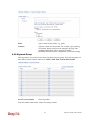
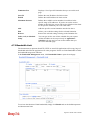
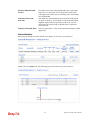
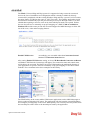
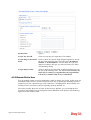
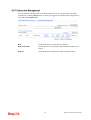
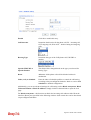
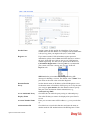
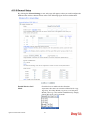
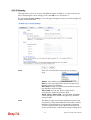
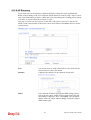
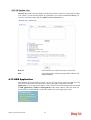
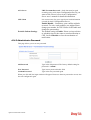
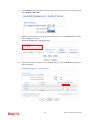
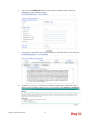
The Web Configurator may be used to restart your router. Click Reboot System from System
Maintenance to open the following page.
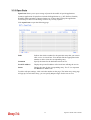
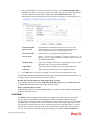
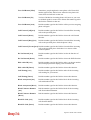
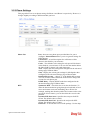
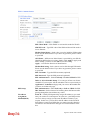
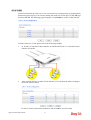
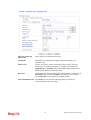
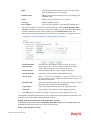
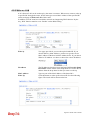
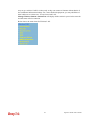
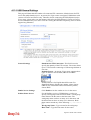
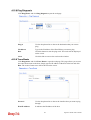
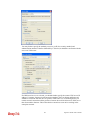
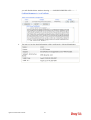
If you want to reboot the router using the current configuration, check Using current
configuration and click OK. To reset the router settings to default values, check Using
factory default configuration and click OK. The router will take 5 seconds to reboot the
system.
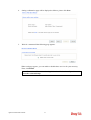
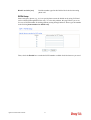
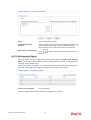
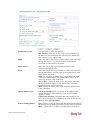
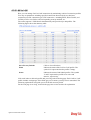
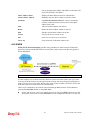
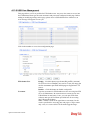
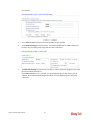
In addition, you can enter the index of schedule profiles to reboot your system according to the
preconfigured schedules. When you finish the reboot time schedule, please click OK to save it.
For detailed configuration of time schedule, please refer to section Schedule.
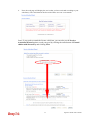
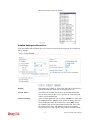
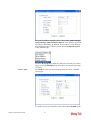
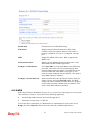
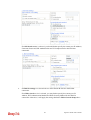
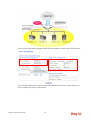
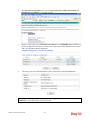
Note: When the system pops up Reboot System web page after you configure web settings,
please click OK to reboot your router for ensuring normal operation and preventing
unexpected errors of the router in the future.
244
Vigor2110 Series User’s Guide