1
Paper Jams
Clearing Area A (With
Duplex Module)
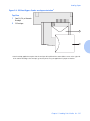
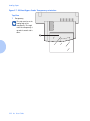
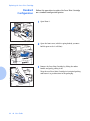
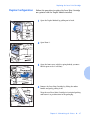
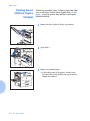
Follow the procedure below to clear a paper jam from
Area A when the Control Panel display reads Cl ear
Are a A and there is a Duplex Module installed on the
printer.
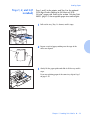
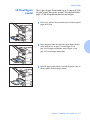
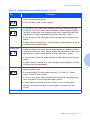
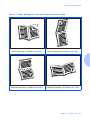
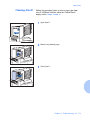
1
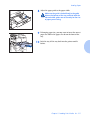
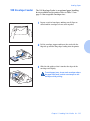
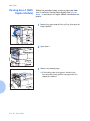
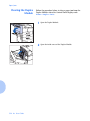
Remove any paper from the Face-up Tray, then open the
Duplex Module.
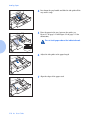
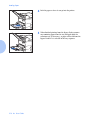
2
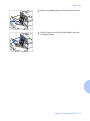
Open Door A.
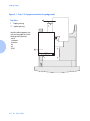
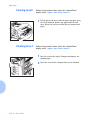
3
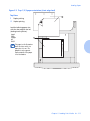
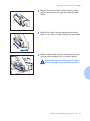
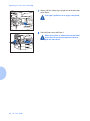
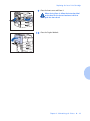
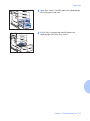
Remove any jammed paper.
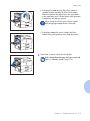
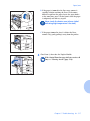
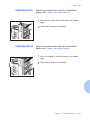
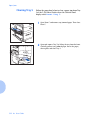
A If the leading edge of the paper is already in the
Face-down Bin, gently pull out the paper until it is
completely removed.
5-16 ❖ User Guide