1
kug-ch03 Page 14 Thursday, March 6, 1997 4:43 PM
Using the Control Panel
PCL Emulat
Menu
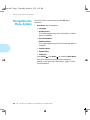
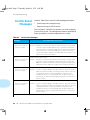
PCL Emulat Menu options establish the default configuration
for the printer when printing PCL emulation jobs.
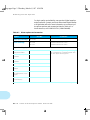
You may use your software application to override default
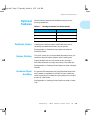
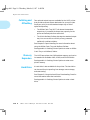
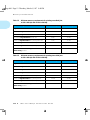
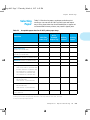
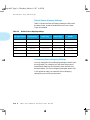
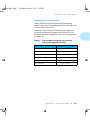
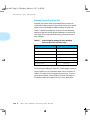
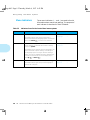
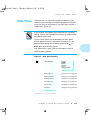
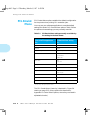
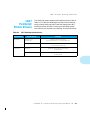
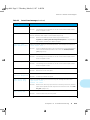
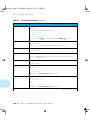
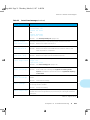
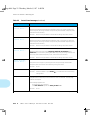
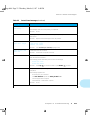
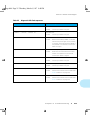
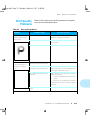
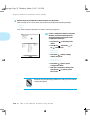
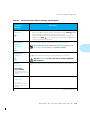
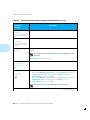
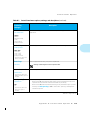
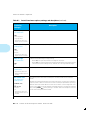
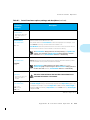
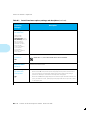
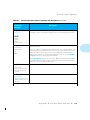
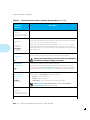
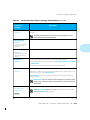
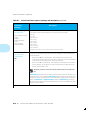
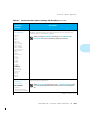
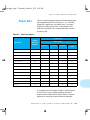
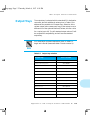
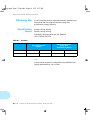
settings for certain PCL Emulat Menu options. Table 3.4 lists
the options whose settings you may normally override.
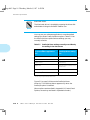
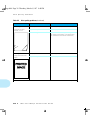
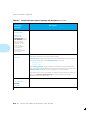
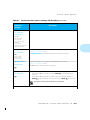
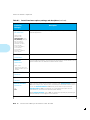
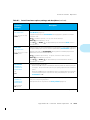
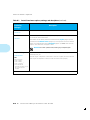
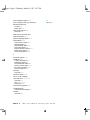
Table 3.4
PCL Emulat Menu settings normally overridden by
the settings in the data stream
The setting you choose in
your software application
for:
…will override the
PCL Emulat Menu setting
for:
Copies
Copies
Duplex
Duplex
Edge to Edge
Edge to Edge
Font
Font Source
Font Number
Symbol Set
Font Size
Pitch
Point Size
Output Bin
Output Bin
Paper Source
Default Source
Paper Size
Paper Size
Form Length
Paper Orientation
Orientation
Page Protection†
Page Protection
Print Resolution†
Resolution
† You can change the setting for this feature through your software application only
when using the Digital printer driver.
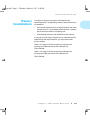
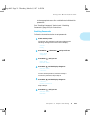
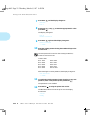
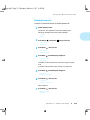
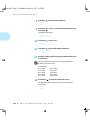
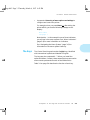
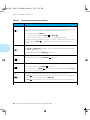
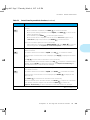
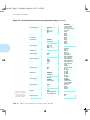
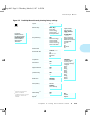
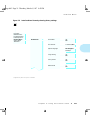
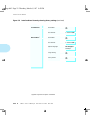
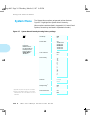
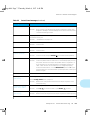
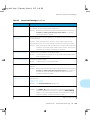
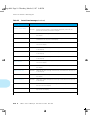
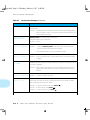
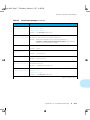
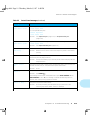
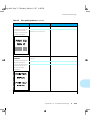
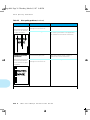
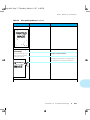
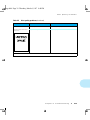
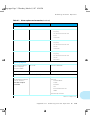
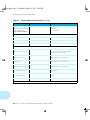
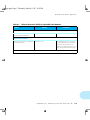
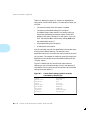
The PCL Emulat Menu hierarchy is depicted in Figure 3.4
starting on page 3-15. (Menu options are described in
Appendix D: Control Panel Options, where they are listed in
alphabetical order.)
3-14 ❖
LN17 and LN17ps Printers User Guide