1
!AL-2050CS.book
45 ページ
2008年1月7日 月曜日 午後8時10分
INSTALLING THE SOFTWARE
12
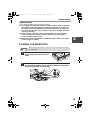
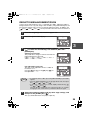
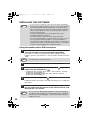
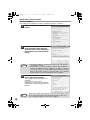
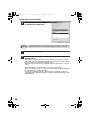
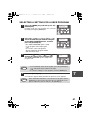
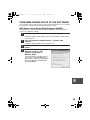
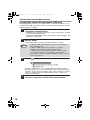
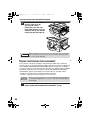
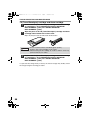
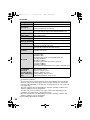
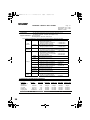
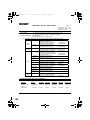
When installing is finished, click the "Close" button.
Caution
• If you are using Windows Vista and a security warning window
appears, be sure to click "Install this driver software anyway".
• If you are running Windows 2000/XP and a warning message
appears regarding the Windows logo test or digital signature, be sure
to click "Continue Anyway" or "Yes".
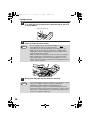
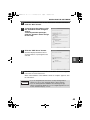
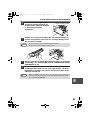
A message will appear instructing you to connect the machine to your
computer. Click the "OK" button.
Note
13
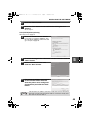
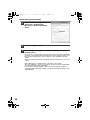
After the installation, a message prompting you to restart your computer
may appear. In this case, click the "Yes" button to restart your computer.
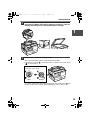
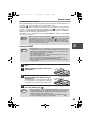
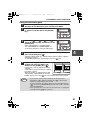
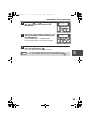
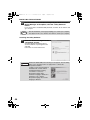
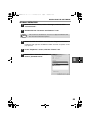
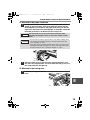
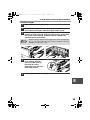
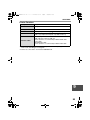
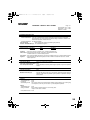
Make sure that the power of the machine is turned on, and then
connect the USB cable (p.46).
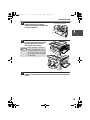
Windows will detect the machine and a Plug and Play screen will appear.
14
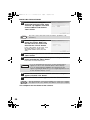
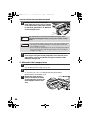
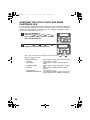
Follow the instructions in the plug and play window to install
the driver.
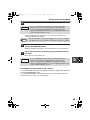
Follow the on-screen instructions.
Caution
• If you are using Windows Vista and a security warning window
appears, be sure to click "Install this driver software anyway".
• If you are running Windows 2000/XP and a warning message
appears regarding the Windows logo test or digital signature, be sure
to click "Continue Anyway" or "Yes".
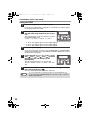
5
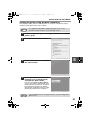
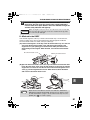
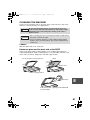
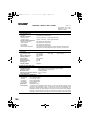
This completes the installation of the software.
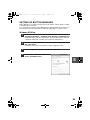
• If you installed Button Manager, set up Button Manager as explained in "SETTING
UP BUTTON MANAGER" (p.53).
• If you installed Sharpdesk, the Sharpdesk setup screen will appear. Follow the
instructions in the screen to set up Sharpdesk.
45