1
MD-DR470H
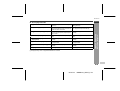
Selecting Menu
ENGLISH
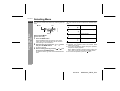
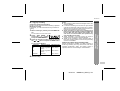
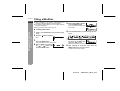
You can set or check each function by selecting from the
menu.
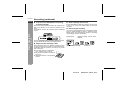
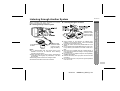
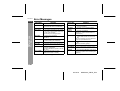
mark
Item
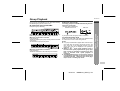
" " mark indicates the item selected and available directions.
Items on the left and right.
Setting
Items on the left.
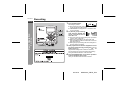
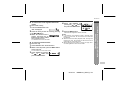
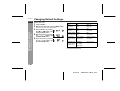
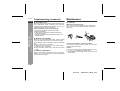
How to select Menu
-Selecting Menu-
Basic Operation
No item on the left and right.
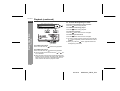
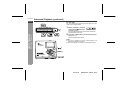
[On the main unit]
1
2
3
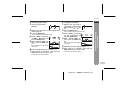
Press the MENU button.
Press the MENU button to enter the menu select
mode. Item name is displayed in the first line and
menu settings in the second line.
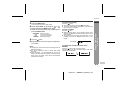
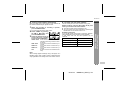
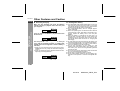
Select the item by pressing the
and press the MENU button.
An item is selected.
or
button
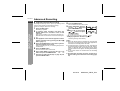
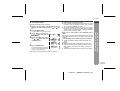
Select a setting option by pressing
or
button and press the MENU button.
An option is set and "[ ]" mark will be indicated at both
ends.
Items on the right.
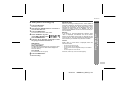
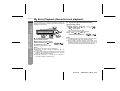
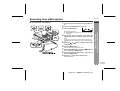
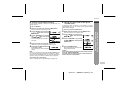
Notes for selecting menus:
! Complete the operation within 30 seconds whilst
selecting the menus.
! If you press the GROUP button during the operation,
the previous display appears.
When "MENU CANCEL?" appears, select "YES" (cancel) or "NO" (continue) and press the MENU button.
! To cancel the operation, press the button.
E-13
02/12/18
MDDR470_SEEG_E.fm