1
IM-MT899H
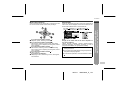
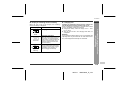
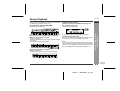
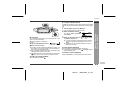
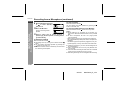
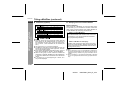
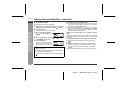
„ To check the elapsed time and remaining
time of the track
Whilst the playback or the playback is paused,
hold down the DISP button for 1 second or
more.
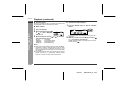
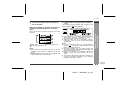
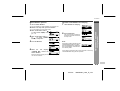
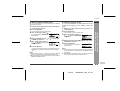
„ Checking the remaining amount of battery
level
ENGLISH
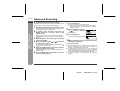
The remaining amount of battery level is shown by the
battery indicator (
) during operation.
Elapsed playback time
Notes:
z If the disc name or the track name was not originally
recorded on the MiniDisc, "NoNAME" will be displayed.
z Elapsed playback time and remaining playback time
may be different from the actual time.
-Checking Displays-
Track name
Remaining playback time
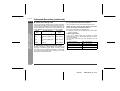
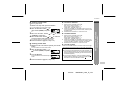
z When the battery is completely discharged, the battery indicator will flash. Recharge the battery or
replace the alkaline battery with a new one.
z When the battery has run out completely, "LoBATT"
will appear. Then, the power will be disconnected
automatically.
Notes:
z If you use the battery which you stopped charging
halfway, "
" may appear. It does not mean that the
battery is completely charged.
z The battery indicator will not correctly display the
remaining capacity for approximately 20 seconds after
the power has been turned on.
z When the AC adaptor or a separately available car
adaptor is used, the battery indicator will not be
shown.
z The number of bars shown in the battery indicator may
increase or decrease, depending on the operation
being performed. This is normal.
Useful Features
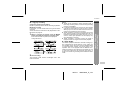
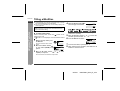
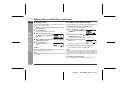
Each time the button is pressed, the display will change
as follows.
E-34
02/2/21
IMMT899H_E_4.fm