1
Chapter 2 – Activation and Installation
C hapter 2 – Activation and Installation
1B
Account Activation for Wireless Devices
20B
Please refer to the wireless account Activation Notice included with your unit and located on the MultiModem CD. Follow the
directions on the Activation Notice to activate your account.
Note: If you need remote access to your MultiModem over the Internet for remote configuration, you need to ensure
that your wireless network provider has provisioned mobile terminated data and fixed or dynamic public IP address in
which they can configure the network to redirect any incoming connection to that predefined IP.
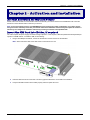
Insert the SIM Card into Holder, If required
21B
The router requires the power supply connection to begin operation. It also requires a SIM card (Subscriber Identity Module) to
operate on a GSM network. To install the SIM, do the following:
1.
Using a small Phillips screwdriver, remove the two SIM door screws and remove the SIM door.
Note: When changing a SIM, ensure that power is removed from the unit.
2.
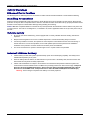
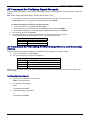
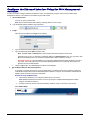
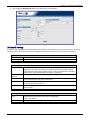
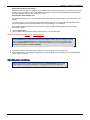
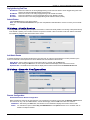
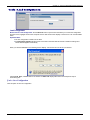
Insert the SIM card into the card holder. The above graphic illustrates the correct SIM card orientation.
3.
Verify that the SIM card fits into the holder properly and then replace the cover.
Multi-Tech Systems, Inc. MultiModem rCell User Guide
11