1
Operating the MT2070/MT2090 2 - 97
Resetting the MT20X0
If the device stops responding to input, reset it. There are two types of resets, warm boot and cold boot. A warm
boot restarts the device by closing all running programs. All data that is not saved is lost.
A cold boot also restarts the device, but erases all stored records and entries from RAM. In addition it returns
formats, preferences and other settings to the factory default settings.
Perform a warm boot first. This restarts the device and saves all stored records and entries. If the device still does
not respond, perform a cold boot.
Performing a Warm Boot
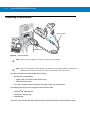
To perform a warm boot press and hold the 2 key and the scan trigger simultaneously for 5 seconds.
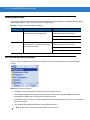
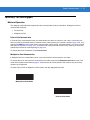
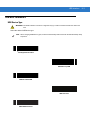
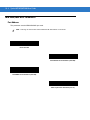
During a warm boot the following three items display as text on the screen:
- IPL
- OS
- PM.
CAUTION
Files that remain open during a warm boot may not be retained.
Performing a Cold Boot
A cold boot restarts the device and erases all user stored records and entries from RAM. Never perform a cold boot
unless a warm boot does not solve the problem.
CAUTION
A cold boot resets the device to the default settings and removes all added applications, user
preferences and all stored data. Do not cold boot without support desk approval.
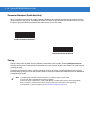
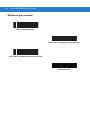
To perform a cold boot press and hold the 2 key and the scan trigger simultaneously for 10 seconds. During a cold
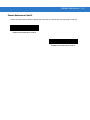
boot the following two items display as text on the screen:
- IPL
- OS.