1
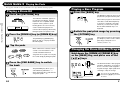
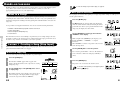
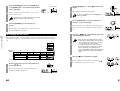
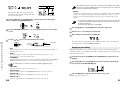
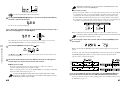
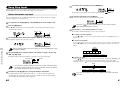
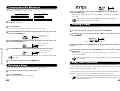
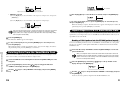
and the note at that position is cleared.
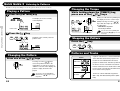
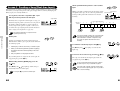
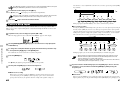
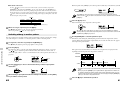
Deleting a User Pattern
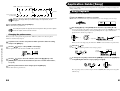
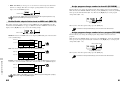
[PAD1](KICK)
This clears all playing information from the currently selected user pattern, returning it to the empty
condition.
Drum A track
Snare drum
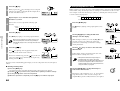
1 In pattern mode, use the [▲]/[▼] keys or the [VALUE] dial to select the user pattern
Bass drum
you want to delete.
Drum A track
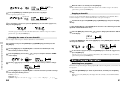
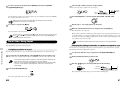
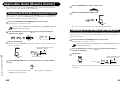
2 While the pattern is stopped, press the [DELETE] key.
Snare drum
The indication "SURE?" appears on the display.
Bass drum
■ Bass track
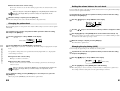
To clear a specific note from the bass track, use the [STEP] key as for the drum track to move to
the start of the note (the pad for the pitch lights up). Then hold down the [ERASE] key and press
the lit pad.
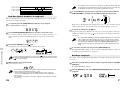
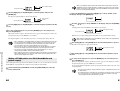
By holding down the [ERASE] key and pressing the pad at a point within the note, you can make
the note shorter.
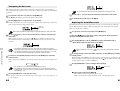
3 To execute the delete process, press the [ENTER] key. To cancel the delete
process, press the [EXIT] key.
When the [ENTER] key is pressed, the pattern is deleted and the indication "EMPTY" is
shown on the display.
[PAD]
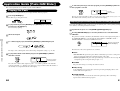
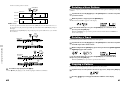
Deleting a Track
Bass track
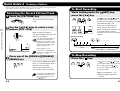
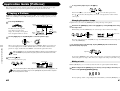
You can delete any track from the currently selected user pattern.
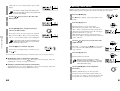
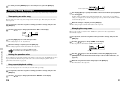
1 In pattern mode, use the [▲]/[▼] keys or the [VALUE] dial to select the user pattern
from which you want to delete a track.
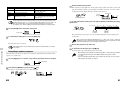
B]/[BASS] key) you want to delete.
[PAD]
Bass track
Note duration
3 To execute the delete process, press the [ENTER] key. To cancel the delete
process, press the [EXIT] key.
When the [ENTER] key is pressed, the specified track is deleted.
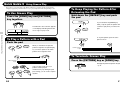
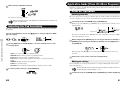
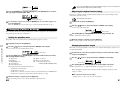
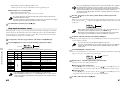
Copying a Pattern
You can copy an existing pattern (preset/user pattern) to any user pattern.
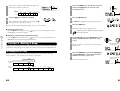
To terminate step input, press the [■] key.
7
The [● REC] key light goes out, and the step input condition is terminated.
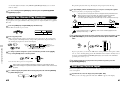
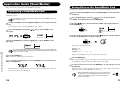
1 In pattern mode, select the pattern to be used as copy source, and press the [EDIT] key.
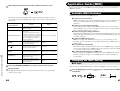
2 Use the [ ]/[ ] keys to bring up the indication "COPY?" on the display.
48
49
Application Guide [Patterns]
Application Guide [Patterns]
2 While holding down the [ERASE] key, press the key for the track ([DRUM A]/[DRUM