1
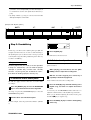
Step 3: Overdubbing
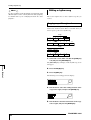
you want to re-record repeatedly over the same region, it
is convenient to use the auto punch-in/out function (→
p.33).
• By using V-takes (→ p.35) you can record a new take
while preserving the current take.
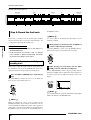
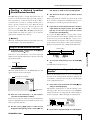
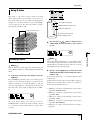
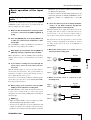
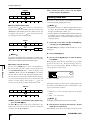
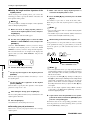
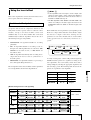
[Example staff: Rhythm guitar 2]
Step 3: Overdubbing
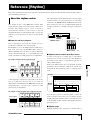
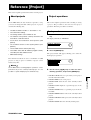
Introductory tour
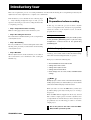
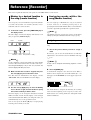
In this step you will record a rhythm guitar part (like the
example staff shown above) on track 2, while listening to
the rhythm guitar you recorded on track 1 in step 2 (as well
as the rhythm song). Recording additional parts in this way
is called "overdubbing."
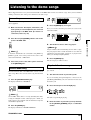
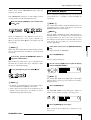
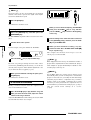
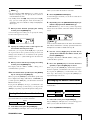
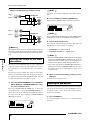
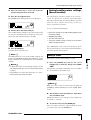
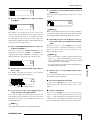
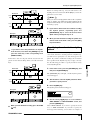
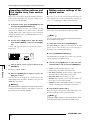
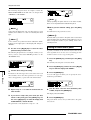
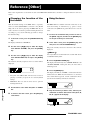
3 Press the [EXIT] key.
You will return to the main screen.
3-2: Select a track, and record
◆ Preparations ◆
Load the project that you saved as the last operation
in Step 2-3. Alternatively, you can load the project
"Sample 2" (number 993), in which track 1 already
contains a rhythm guitar part recorded on track 1.
(For details on loading a project, refer to p.17.)
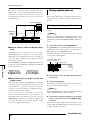
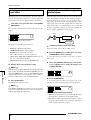
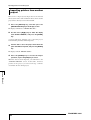
3-1: Select an insert effect patch
We will also apply an insert effect also to track 2 while
recording it.
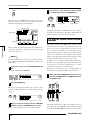
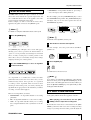
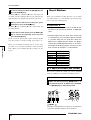
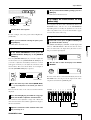
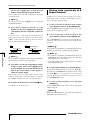
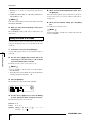
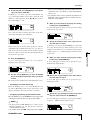
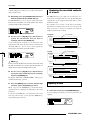
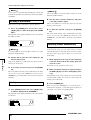
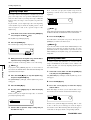
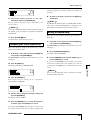
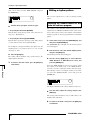
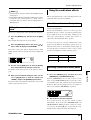
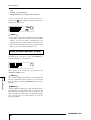
1 Press the [EFFECT] key, and use the ALGORITHM
keys to select the desired insert effect algorithm.
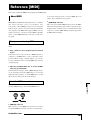
As in step 2-2, press the [GUITAR/BASS] key to select the
GUITAR/BASS algorithm.
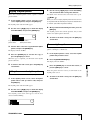
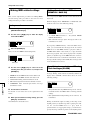
2
Turn the dial to select the desired patch.
For this example, select the patch named "Phaser" (number
7).
ZOOM MRS-1044
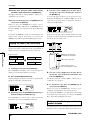
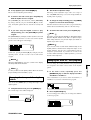
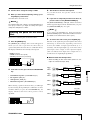
Next we will set the recording level, and record the rhythm
guitar on track 2.
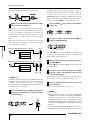
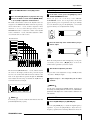
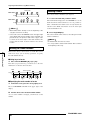
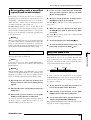
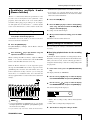
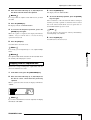
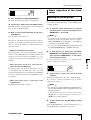
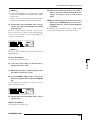
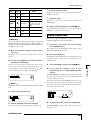
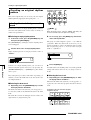
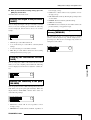
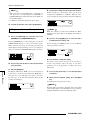
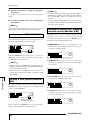
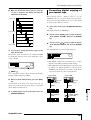
1 While playing your instrument, turn the [REC
LEVEL] control to adjust the recording level.
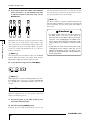
2 With the recorder stopped, press status key 2
repeatedly to make the key light red.
Track 2 will be selected as the recording track.
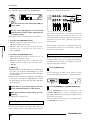
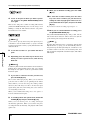
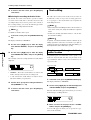
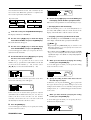
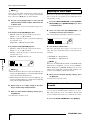
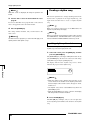
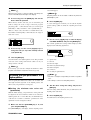
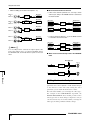
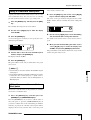
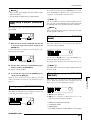
3 Press the PLAY [R] key, and while listening to the
rhythm song, use fader 2 to adjust the monitor
level.
As necessary, use the DRUM/BASS faders and fader 1 to
adjust the volume balance of the rhythm song and track 1.
When you are finished adjusting the monitor levels, press
the STOP [P] key to stop the song.
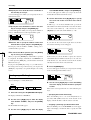
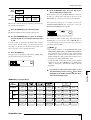
4 Press the ZERO [U] key to return to the beginning
of the song.
23