1
Checking the Transmission Result (TX File Status)
Checking the Transmission Result (TX File
Status)
This function let you check up on the
last 50 completed transmissions without having to print the Journal. You
can browse through the transmitted
messages on the display.
Limitation
❒ Only the last 50 communications
are displayed. Earlier transmissions are not available.
❒ If a transmission is completed
while you are using this function,
the result will not be shown until
you exit TX File Status and start it
again.
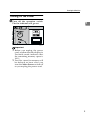
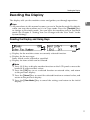
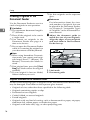
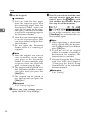
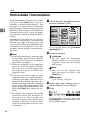
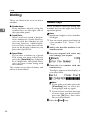
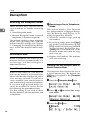
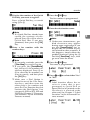
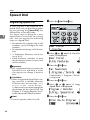
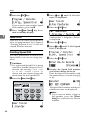
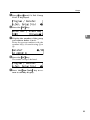
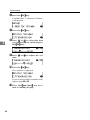
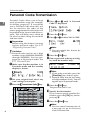
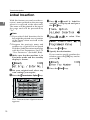
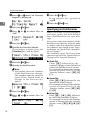
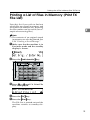
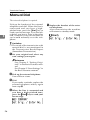
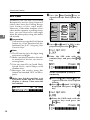
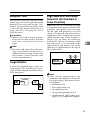
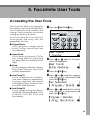
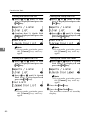
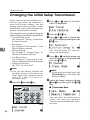
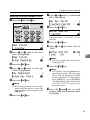
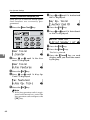
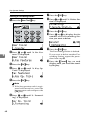
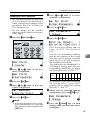
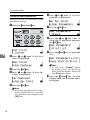
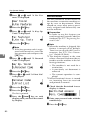
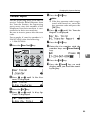
C Press 0 or 1 until "2. TX Status"
is displayed and press the { OK}
}
key.
2
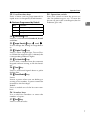
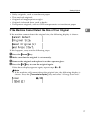
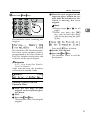
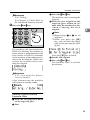
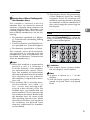
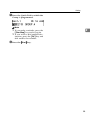
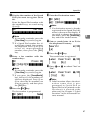
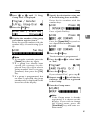
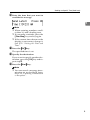
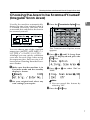
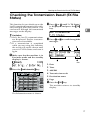
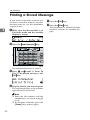
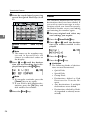
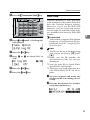
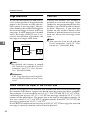
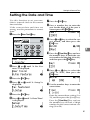
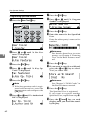
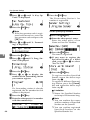
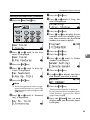
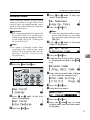
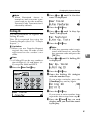
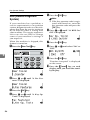
D Press 0 or 1 to scroll through the
messages.
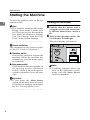
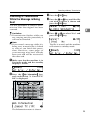
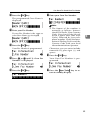
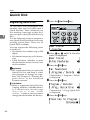
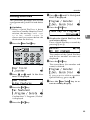
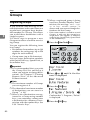
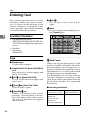
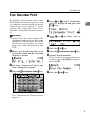
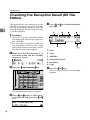
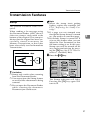
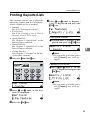
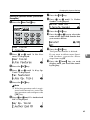
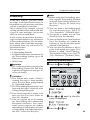
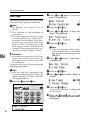
A Make sure that the machine is in
Facsimile mode and the standby
display is shown.
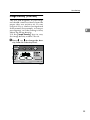
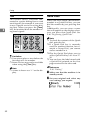
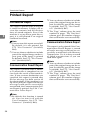
B Press the {Job Information}} key.
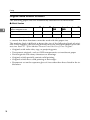
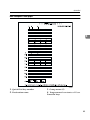
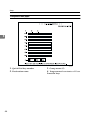
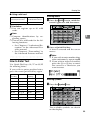
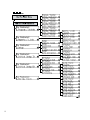
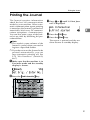
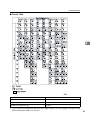
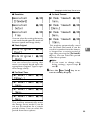
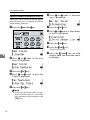
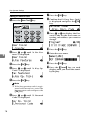
1. Date
2. Time
3. AM/PM
4. Transmission result
5. Destination name
6. Page
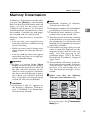
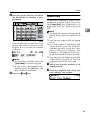
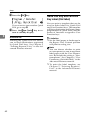
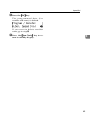
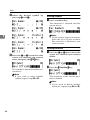
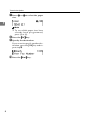
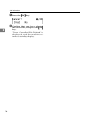
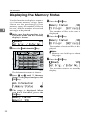
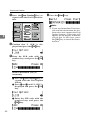
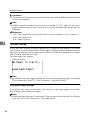
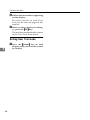
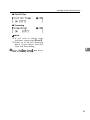
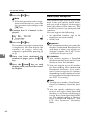
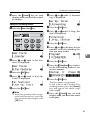
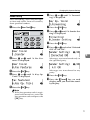
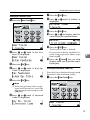
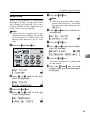
E Press the {OK}} key.
The machine returns to standby
display.
The Information menu is shown.
17