1
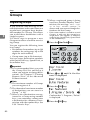
Faxing
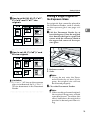
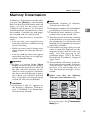
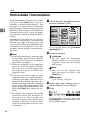
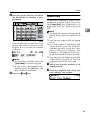
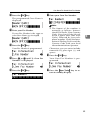
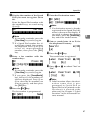
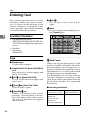
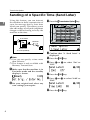
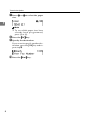
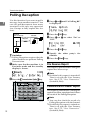
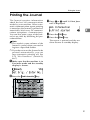
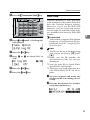
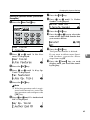
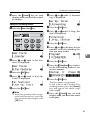
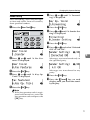
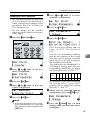
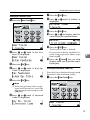
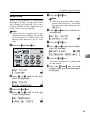
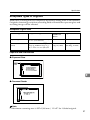
B Set the original.
Limitation
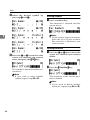
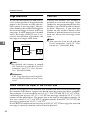
❒ You can send the first pages
from the exposure glass then
the remaining pages from the
Document Feeder. After you
place the last page on the exposure glass, you have 60 seconds
to insert the remaining pages in
the Document Feeder.
2
❒ Note that you cannot place pages on the exposure glass after
you have started using the Document Feeder.
❒ Do not open the Document
Feeder while it is scanning in
originals.
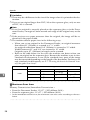
Note
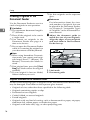
❒ Place the original you want to
store in memory on the exposure glass or the Document
Feeder. To store multiple page
originals from the exposure
glass, set them page by page.
❒ The original can be placed at either Document Feeder or exposure glass until you press the
{Start} key.
❒ The original can be placed at
any time up until you press the
{Start} key.
Reference
P.14 “Setting Originals”
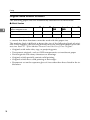
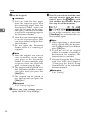
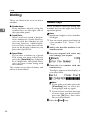
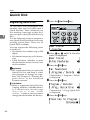
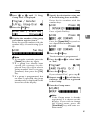
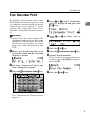
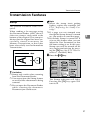
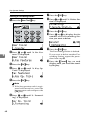
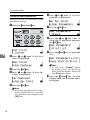
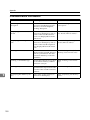
C Select
any scan settings you require. See P.27 “Scan Settings”.
20
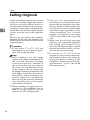
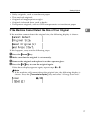
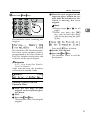
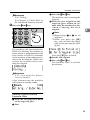
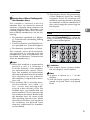
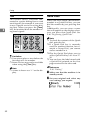
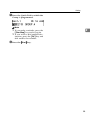
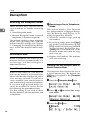
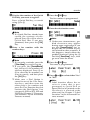
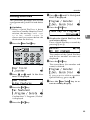
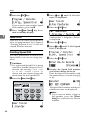
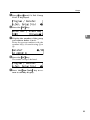
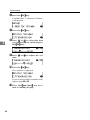
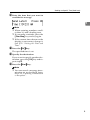
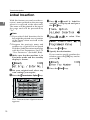
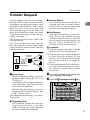
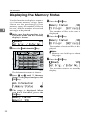
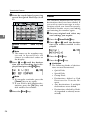
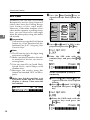
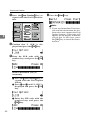
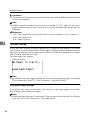
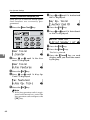
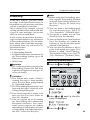
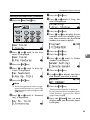
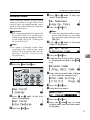
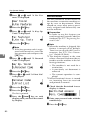
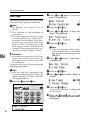
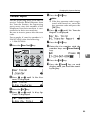
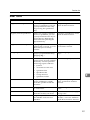
D Dial. If you wish to send the same
message to more than one destination, press the { OK}
} key and
dial another destination. Repeat
this step for all destinations.
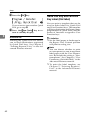
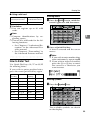
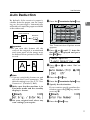
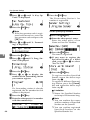
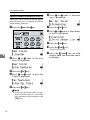
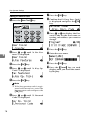
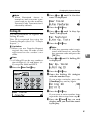
If you make a mistake, press the
{Clear/Stop} key and enter the correct number again.
Note
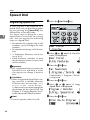
❒ When specifying a destination
using a Quick Dial, the destination is added even if you did not
press {OK} key.
❒ If you do not set an original
within 30 seconds of entering a
destination fax number, the
transmission is canceled.
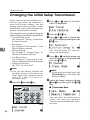
❒ You can change the Reset Timer
with User Tools. See Chapter 5
“Changing the Initial Setup
Transmission” in the Advanced
Features manual.
Reference
P.30 “Dialing”