1
Insignia USB Bluetooth Adapter
Windows® 8.1 or Windows® 8
Installing the software
To install the software:
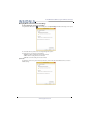
1 Plug the Bluetooth adapter into a USB port on your computer.
2 Go to: http://www.broadcom.com/support/bluetooth/update.php
3 and follow the instructions shown on the page to download and install the software.
4 Restart your computer to complete installation.
Manually adding the Bluetooth icon to the task bar
If the Bluetooth icon
Control Panel.
does not automatically appear on the task bar, you can add the icon from the Windows
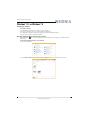
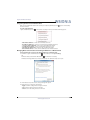
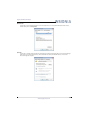
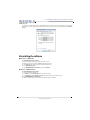
To manually add the Bluetooth icon to the task bar:
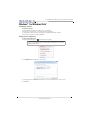
1 Open the Control Panel.
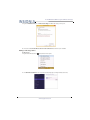
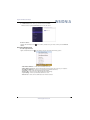
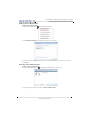
2 Under Hardware and Sound, click View devices and printers. The Devices and Printers screen opens.
www.insigniaproducts.com
2