1
all.book Page 67 Monday, June 23, 2003
11:53 AM
7. Printing Lists
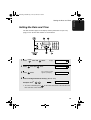
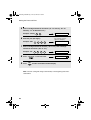
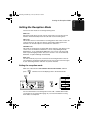
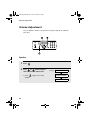
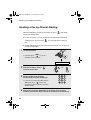
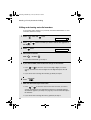
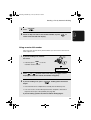
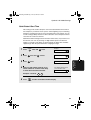
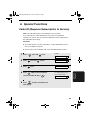
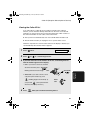
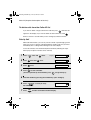
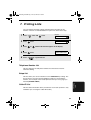
You can print lists showing settings and information entered in the fax
machine. The lists are described below. To print a list, follow these steps.
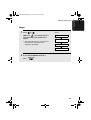
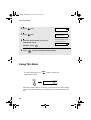
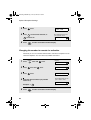
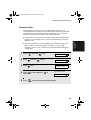
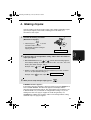
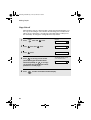
Display:
1
Press
2
Press
once.
3
Press
or
4
Press
once.
5
Press
FUNKTION
once and
START/SPEICHER
once.
LISTING MODE
TEL # LIST
until the desired list appears in the display.
PRESS START KEY
to print the list.
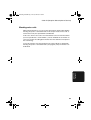
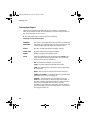
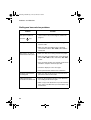
Telephone Number List
This list shows the fax and phone numbers that have been stored for
automatic dialling.
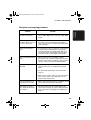
Setup List
7. Printing
Lists
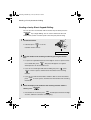
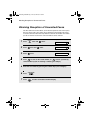
This list shows your current selections for the FUNCTION key settings. The
list also shows your name and fax/telephone number as entered in the
machine, and a sample of the header printed at the top of every page you
transmit (HEADER PRINT).
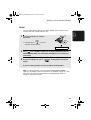
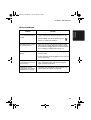
Caller-ID List
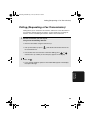
This list shows information about your 30 most recent calls. (This list is only
available if you are using the Caller ID function.)
67