1
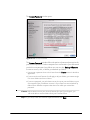
Setting Folder Permissions
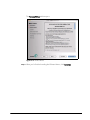
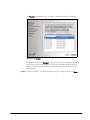
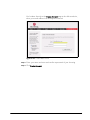
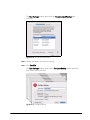
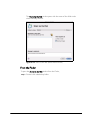
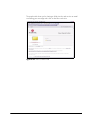
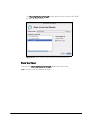
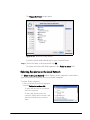
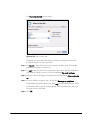
Use the Allow recipients to area to set the permissions attached to the folder
you’re sharing:
• Write to folder: Recipients may download, edit.
upload, and add files to or delete files from the
shared folder.
• Download images: Recipients may download fullsize images.
If you don’t give the people with whom you’re sharing this folder permission to download full-size
images, they won’t be able to download the folder
or any folders contained within it, even if none of
the folders contains images.
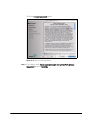
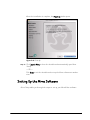
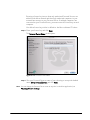
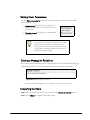
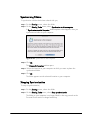
Sending a Message to Recipients
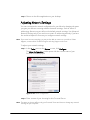
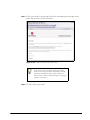
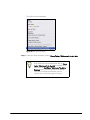
Mirra sends people with whom you’re sharing a folder via the web an email with a link
to the Mirra web site. You can change the default message in that email:
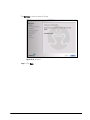
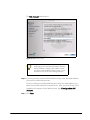
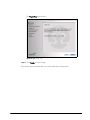
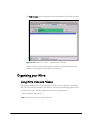
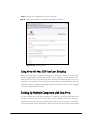
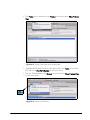
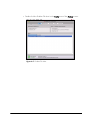
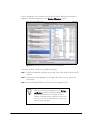
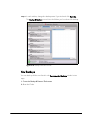
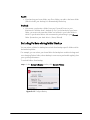
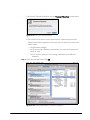
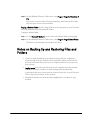
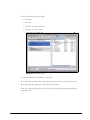
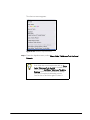
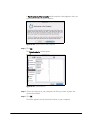
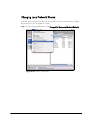
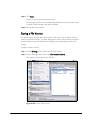
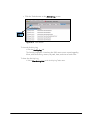
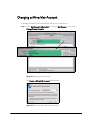
Figure 6~19 Message to recipients
• Leave the default message as it is or replace it with your own message.
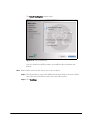
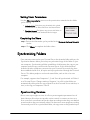
Completing the Share
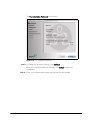
Step 1:
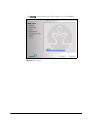
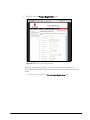
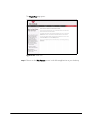
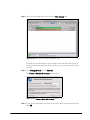
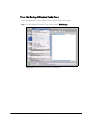
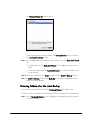
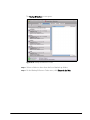
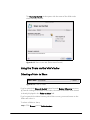
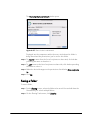
Review the information you’ve provided in the Share via the Web window.
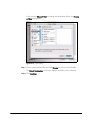
Step 2:
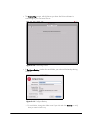
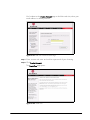
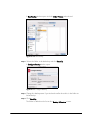
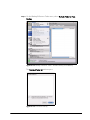
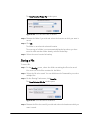
Click Share to complete the folder share.
Mirra Manual for Macintosh
Release 2.2
104