1
MULTIPLE CALL HANDLING
DX-120 Programming Manual
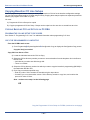
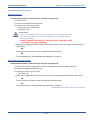
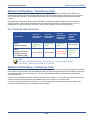
Multiple Call Handling - Incoming Calls
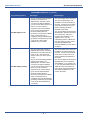
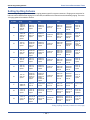
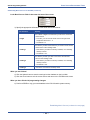
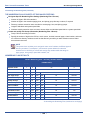
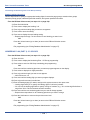
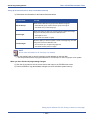
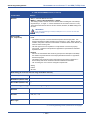
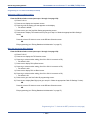
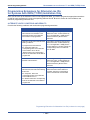
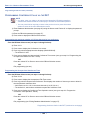
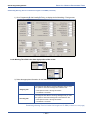
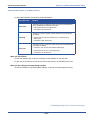
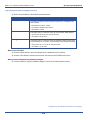
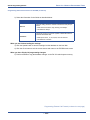
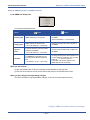
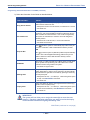
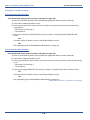
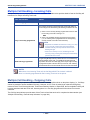
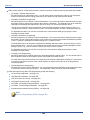
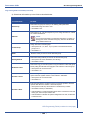
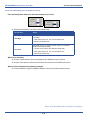
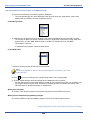
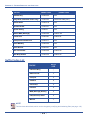
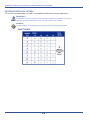
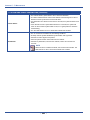
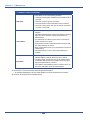
Multiple Call Keys can be programmed at a user’s extension. The table below provides detail of how the Call Key will
function as for multiple incoming Trunk calls.
CALL KEY SETTING
RESULT
No Call Key programmed
Intercom calls and Trunk calls are processed as usual.
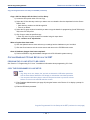
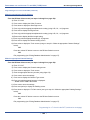
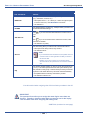
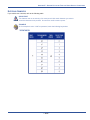
The Call Key will become associated with and provide status for
the incoming Trunk call assuming the following conditions are met:
1) There is not a Line Key already programmed for the line that
the incoming trunk call is coming in on.
AND
Only one Call Key programmed
2) There is an available Call Key programmed on the phone
(i.e., the Call Key that is programmed is not already being
used by another trunk call on that extension)
NOTE
• Regardless of whether the extension is busy (on a call)
or not, once the call becomes associated with the
available Call Key, the lamp indicator will be a fast
flashing red light.
• If the user is already on a call, answering the new
incoming call by pressing the Call Key will automatically
put the initial call on hold.
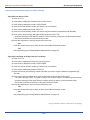
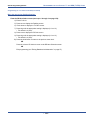
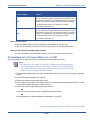
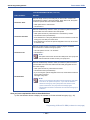
Multi Call Key programmed
Programming Multiple Call Keys allows the user to simultaneously
manage multiple Trunk calls. The additional programmed Call
Keys follow the same rules that apply when only a single Call Key
is programmed (refer to the item above). However, each Call Key
provides status for the Trunk Call with which it became associated.
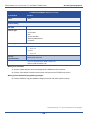
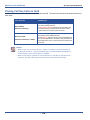
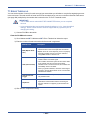
NOTES
When there is an incoming Trunk call, the Call Key will NOT be invoked / utilized if
there is a Line Key programmed for the incoming Trunk call on the phone.
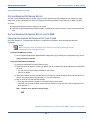
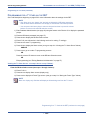
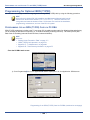
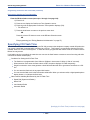
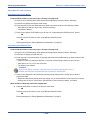
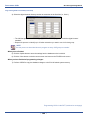
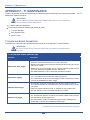
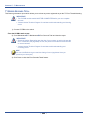
Multiple Call Handling - Outgoing Calls
When an idle Call Key is pressed, “NO INCOMING CALL” message will be shown on the phone display (i.e., Call Keys
cannot be pressed to access available CO lines). However, once a Trunk is seized by an extension through any
means such as: Trunk Directory Number, Trunk Route Directory Number, or Speed Dial, the first available Call Key will
become associated with that Trunk call, assuming there is no Line Key programmed for the seized Trunk at the
extension.
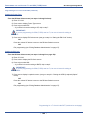
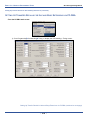
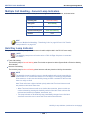
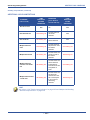
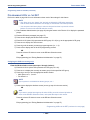
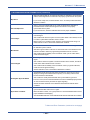
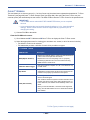
The Call Key lamp indicator provide status of that Trunk call until that trunk call is completed at that extension (see
“Multiple Call Handling - General Lamp Indicators” on page 326).
- 323 -