1
Setup
Setup
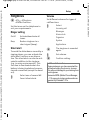
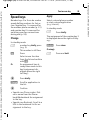
Ringtones
Volume
C ¢T¢Ringtones
Set different volumes for types of
call/functions.
Set the tones on the telephone to
suit your requirements.
I
¢Select function.
Activate/deactivate all
tones.
Beep
Reduce ringtone to a
short signal (beep).
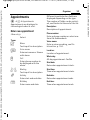
Silent alert
To avoid the disturbance caused by a
ringing phone, you can activate the
silent alert function as an alternative. The silent alert can also be activated in addition to the ringtone
(e.g. in noisy environments). This
function is deactivated when the
battery is being loaded and accessories are connected (except the headset).
I
Select one of several different silent alerts.
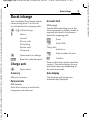
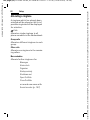
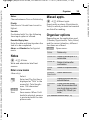
Select
Incoming call
Messages
Ringer setting
On/off
81
Alarm clock
Organiser
System
Applications
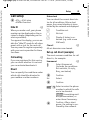
C
I
C
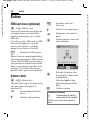
The ringtone is sounded
again.
Set volume.
Confirm setting.
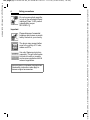
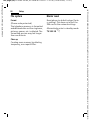
Additional information
Please make sure you have accepted the
call before holding the phone to your ear.
This will avoid damage to your hearing from
loud ringtones.
Siemens’s MPM (Mobile Phone Manager,
p. 115) supports ringtone and sound management by Windows® PCs.
VAR Language: en; VAR issue date: 040517
Siemens AG 2003, U:\Siemens\ICM_MP_CCQ_S_UM_RUST\10210-001_vor-Ort-Einsatz\Produkte\SL65\output\FUG\en\SL65_Ringtones.fm
right page (81) of SL65 Iris en, A31008-H7700-A1-1-7619 (18.06.2004, 16:59)