1
Issue 5.00
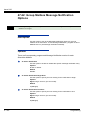
Main Menu
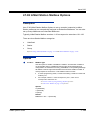
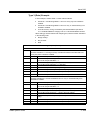
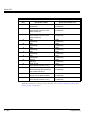
Description
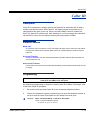
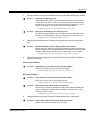
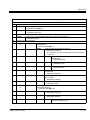
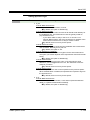
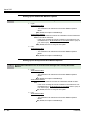
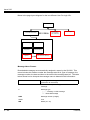
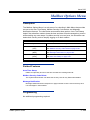
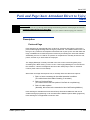
After a Subscriber Mailbox user logs into their mailbox, InMail provides them with the
Main Menu of options. The Main Menu provides quick access to the most commonly
used mailbox features in a central location. It includes listening and recording options,
as well as additional selections for recording mailbox names and greetings. The chart
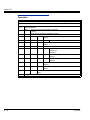
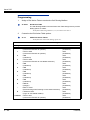
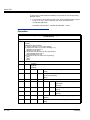
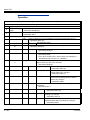
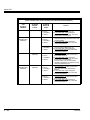
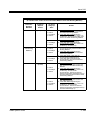
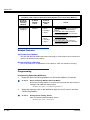
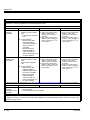
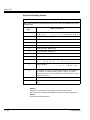
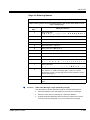
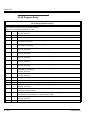
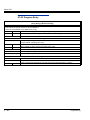
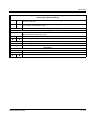
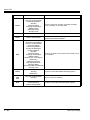
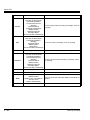
below summarizes these options.
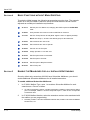
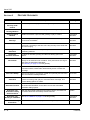
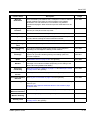
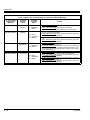
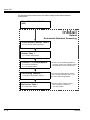
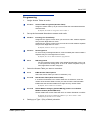
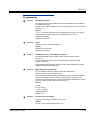
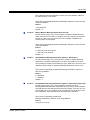
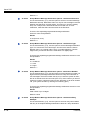
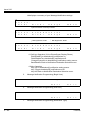
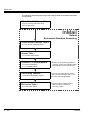
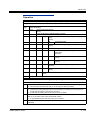
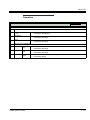
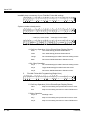
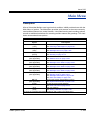
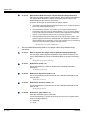
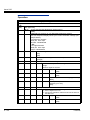
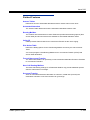
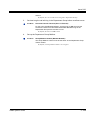
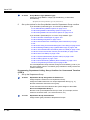
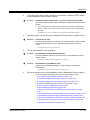
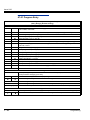
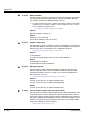
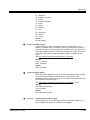
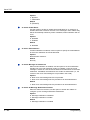
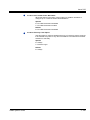
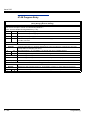
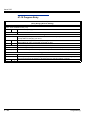
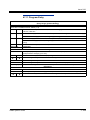
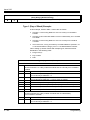
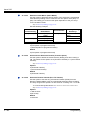
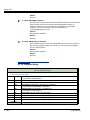
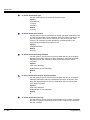
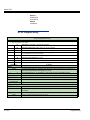
Mailbox Main Menu
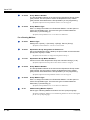
Option
L (5)
[Lstn]
Description
Listen to messages.
See Listening to Messages on page 2-231.
RS (77)
Record and send a message.
See Message Record on page 2-281.
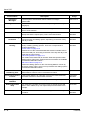
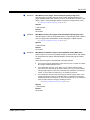
G (4)
[Greet]
Record a mailbox greeting.
See Greeting on page 2-173.
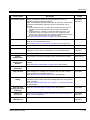
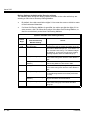
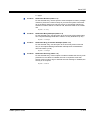
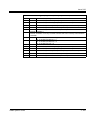
[Rec]
RN (76)
[Not applicable]
Record a mailbox name.
See Mailbox Name on page 2-245.
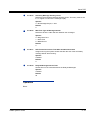
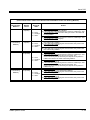
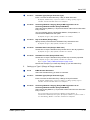
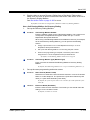
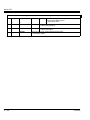
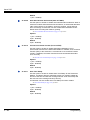
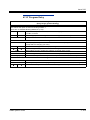
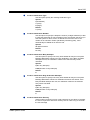
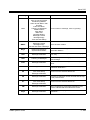
1N (16)
[Not applicable]
Select the New Message List.
See Message Listen Mode on page 2-267.
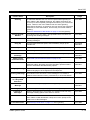
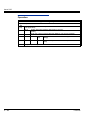
1S (17)
[Not applicable]
Select the Saved Message List.
See Message Listen Mode on page 2-267.
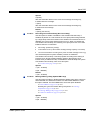
1A (12)
[Not applicable]
Select the All Message List.
See Message Listen Mode on page 2-267.
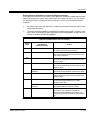
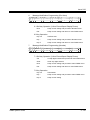
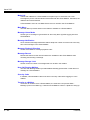
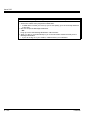
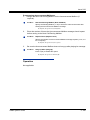
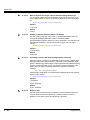
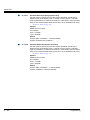
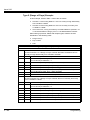
OP (67)
[Not applicable]
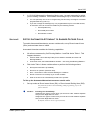
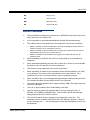
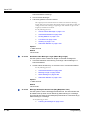
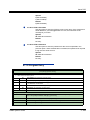
Use the Mailbox Options. See the following:
See Security Code on page 2-327.
See Message Notification on page 2-269.
See Auto Time Stamp on page 2-61.
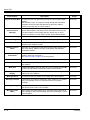
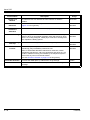
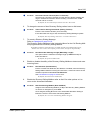
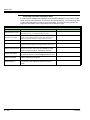
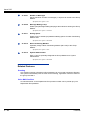
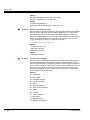
SA (72)
[Not applicable]
Access the System Administrator options.
See System Administrator on page 2-337.
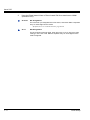
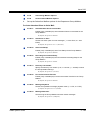
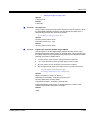
TI (84)
X (9)
[Exit]
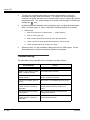
Check the current time and date.
See Time and Date on page 2-343.
Exit your mailbox.
See Exiting a Mailbox on page 2-145.
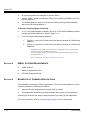
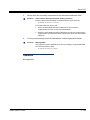
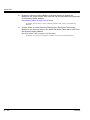
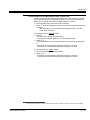
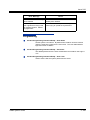
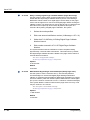
To hear the complete Main Menu of options, dial 0 while in the Main Menu.
InMail System Guide
2 - 253