1
1 Remote Control Basics
Turn Your Set Top Box or TV On or Off
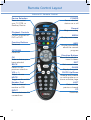
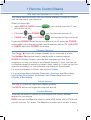
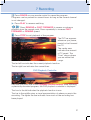
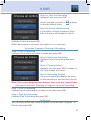
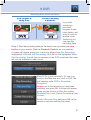
The device selection buttons tell your remote whether you want to control
your set top box or your television.
When you press the:
• green WATCH CABLE button
set top box on/off.
• TV button
and POWER
• CABLE button
and POWER
, you can turn both the TV and
, you turn the television on/off.
, you turn the set top box on/off
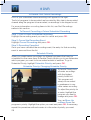
If pressing POWER turned the wrong device on or off, press the POWER
button again, press the appropriate device selection button (TV, AUD, DVD
or CABLE) and press POWER once more.
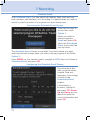
Change Channels
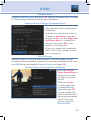
The CH
/
button will change channels up or down one at a time.
The Number Pad can be used to directly enter a channel number.
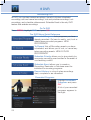
GUIDE will display Guide so you can find a program you like. If the
program is on now, you tune to the channel showing it. If not, you can set
a scheduled event to remind you when it does come on. If your set top box
supports recording, you can schedule a recording for the program.
For more information on Guide, see section 5 Guide.
For more information on setting Reminders, Autotunes and Recordings,
see Setting Reminders, Autotunes and Recordings in section
6 Guide & Recording.
Adjust Volume
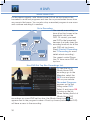
The VOL+/- button will adjust the volume gradually.
The MUTE button will toggle the sound on and off.
System Buttons
There are a number of buttons on your remote that display different
features of your service.
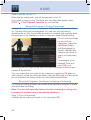
MENU displays the Menubar when in cable [STB] mode, and in [TV] mode
you will see your TV’s menu. The Menubar provides quick access to every
3