1
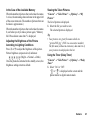
See the note below for details.
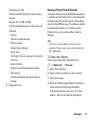
• Name
• City
• Additional Information • State/Province
• Street & Number
• Country
• Postal Code
5. Press [Options] and select “Send”.
Note
• Instead of performing step 1, you can use data taken
with the “Take Picture” option.
• The items Name, Street & Number and City are
necessary to complete sending Postcards.
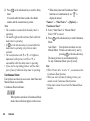
• Information for a recipient
Name (mandatory):
Name of the recipient for a postcard up to 50
characters
Additional Information (optional):
Additional information of the recipient up to
50 characters
Street & Number (mandatory):
Street and number up to 50 characters
Postal Code (optional):
Postal code up to 20 characters
City (mandatory):
City up to 50 characters
52
Messages
State/Province (optional):
State, province, and region up to 50
characters
Country (optional):
Country up to 20 characters
• The items displayed differ according to the service.
Please contact your service provider for more
information. When the item, “Country” is not
displayed, you cannot send Postcards overseas.
• Files in Animation GIF format cannot be used for the
Postcards service.
• The picture quality of Postcards varies depending on
the picture size.
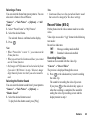
Text (SMS) (M 4-3)
About Text Messaging
The Short Message Service (SMS) allows you to send
text messages of up to 1024 characters to other GSM
users.
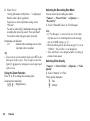
To Use SMS with Your Phone
Messages longer than 160 characters may be
composed. During sending, the messages are split. If
the receiver has a suitable phone the messages
recombines during reception, if not your message
appears as a number of separate 152 characters
messages.