1
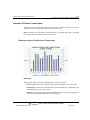
Unanswered Calls During Business Hours report
7-77
Chapter 7: Running Contact Center Reports
Unanswered Calls During Business Hours report
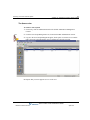
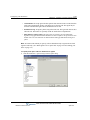
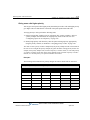
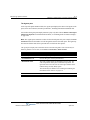
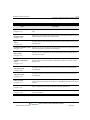
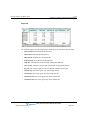
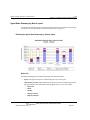
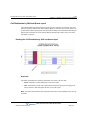
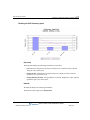
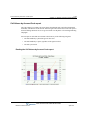
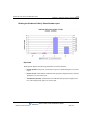
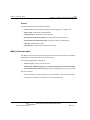
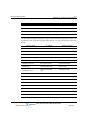
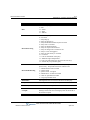
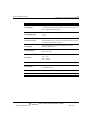
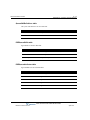
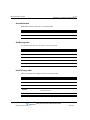
The Unanswered Calls During Business Hours report shows external inbound calls during your
Wave business hours that were not answered by a user. This includes calls that were answered
by another extension type, such as a queue or an auto attendant, but never picked up by a user.
Note: The report counts calls that show a Result of “Abandoned” or “To voicemail” in the Call
Log. Because of this, calls that a user answered and then sent to voicemail count as unanswered.
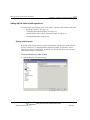
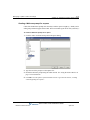
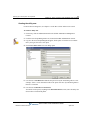
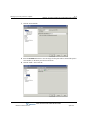
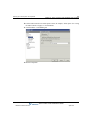
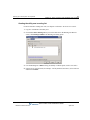
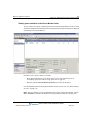
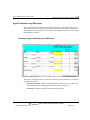
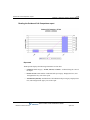
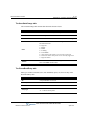
Setting options: Unanswered Calls During Business Hours report
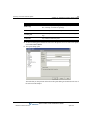
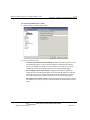
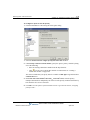
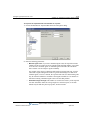
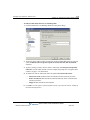
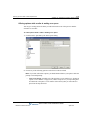
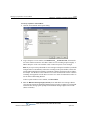
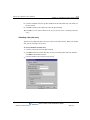
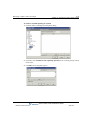
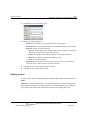
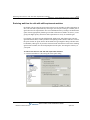
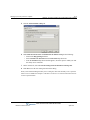
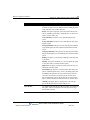
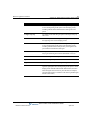
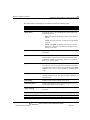
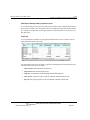
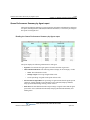
The following options are available for this report:
•
One of the following:
•
Organization. Organization to report on.
•
ViewPoint Group. Group to report on.
•
All calls. Report on all calls, including those involving Organizations and members
of ViewPoint Groups.
•
Period. Time frame to report on. If you select Custom Date Range, you must also specify
the range’s Start and End dates.
•
Interval. Interval by which results are to be reported (Hours, Days, Weeks, Months,
Quarters, or Years).
Wave Contact Center Administrator Guide
Release 2.0 Service Pack 1
April 2011