1
6.1 How Do You Make a Call?
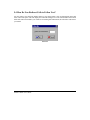
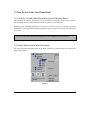
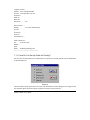
6.1.1 How Do You Make a Call from the Call Control Menu?
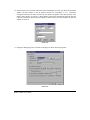
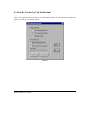
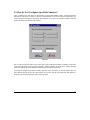
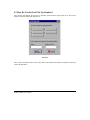
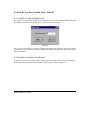
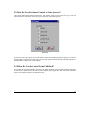
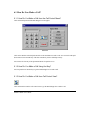
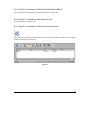
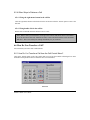
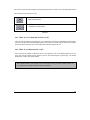
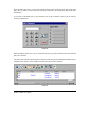
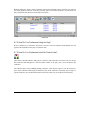
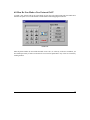
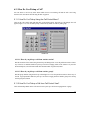
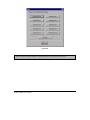
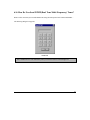
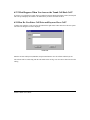
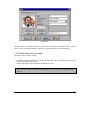
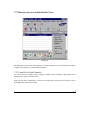
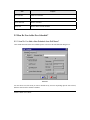
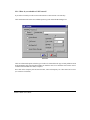
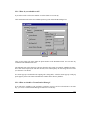
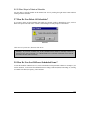
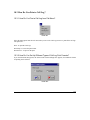
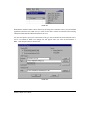
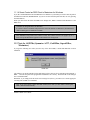
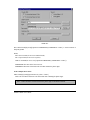
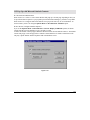
Click on the Dial option and the Dial dialogue box will appear.
FIGURE 6-2
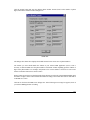
Click on the numbers in the dial pad and click on the Send button to make a call. You can click on the pulldown menu to select and dial any of the last 10 numbers you have dialled previously.
You can also click on any of the Speed Dial buttons for quicker access.
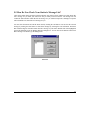
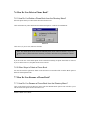
6.1.2 How Do You Make a Call Using Hot Key?
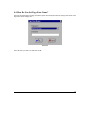
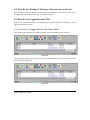
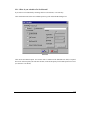
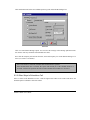
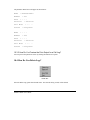
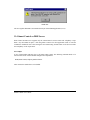
You can press the F2 function key to get the Dial dialogue box to make a call.
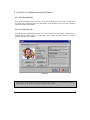
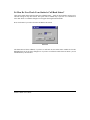
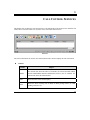
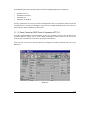
6.1.3 How Do You Make a Call from Call Control View?
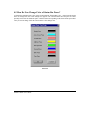
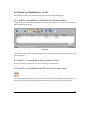
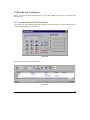
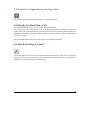
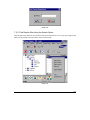
Click on the Dial icon in the Call Control View to get the Dial dialogue box to make a call.
Smart Control User Guide
62