1
Home Page
Table of Contents
How Do You Pickup a Call?
You can answer a call for any other station, which receives an incoming call, and when the call is
not being answered, you can answer that call using the Pick Up option.
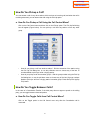
a. How Do You Pickup a Call Using the Call Control Menu?
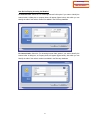
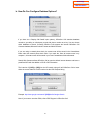
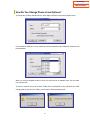
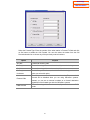
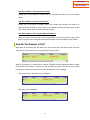
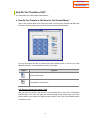
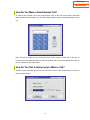
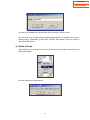
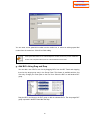
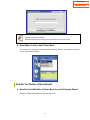
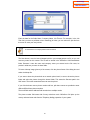
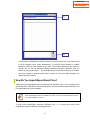
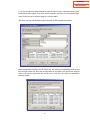
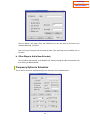
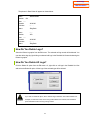
Click on the Call Control menu and then click on the Pickup option. The Pick Up Call dialog
box will appear (Figure below). You can pick up a call from any station or from any other
group.
•
•
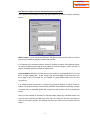
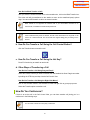
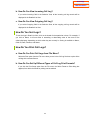
How do you pickup a call from another station? : Dial the extension of the station using
the Pick Up Call dialog box, or use the pull-down menu to choose any of the last 10
numbers dialed to pick up a call at a ringing station.
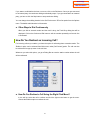
How do you pickup a call from another group? : Dial the group number using the Pick Up
Call dialog box, or use the pull-down menu to choose any of the last 10 group numbers
dialed to pick up a call from a ringing station in another group. Press Group Pick Up(Grp
P/U) button.
How Do You Toggle Between Calls?
In the case of a Consultation Transfer, if the third party does not agree to speak to the calling
party, you can toggle between these two parties.
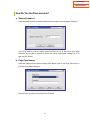
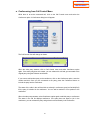
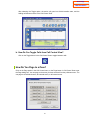
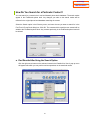
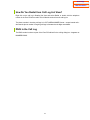
a. How Do You Toggle Calls from Call Control Menu?
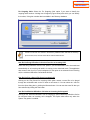
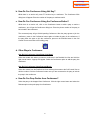
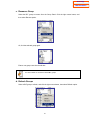
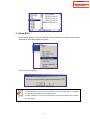
Click on the Toggle option in the Call Control menu only after the Consultation call is
connected.
51