1
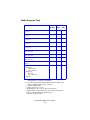
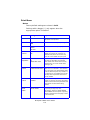
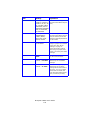
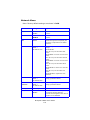
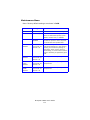
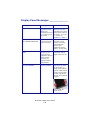
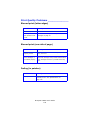
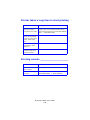
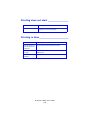
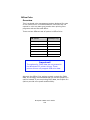
Printer takes a long time to start printing
Possible cause
Remedy
The printer has to
In the printer menu settings, set power save to
warm up returning
a higher value to increase the length of time
from power save mode. before entering power save mode (SYS CONFIG
MENU → POW SAVE TIME).
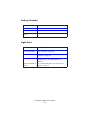
The image drum
carries out a cleaning
process to ensure print
quality, which takes
time.
Wait until this process has been completed.
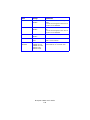
The fuser unit adjusts
temperature, which
takes time.
Wait until this process has been completed.
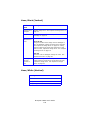
The printer is
processing data from
another interface.
Wait until this data is processed.
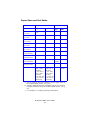
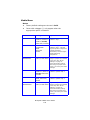
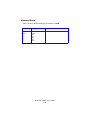
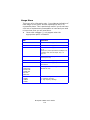
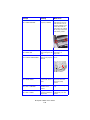
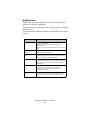
Printing cancels ___________________
Possible cause
Remedy
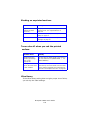
The printer interface
cable is faulty.
Replace the printer interface cable.
The time out setting is
too short.
Reset time out in the menu to a higher value
(SYS CONFIG MENU → WAIT TIMEOUT).
Sharp AR-C265P User’s Guide
158