1
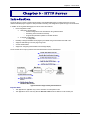
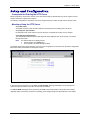
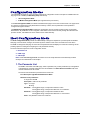
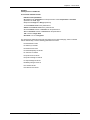
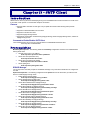
Chapter 13 – SNTP Client
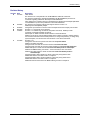
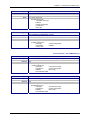
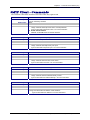
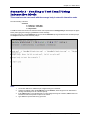
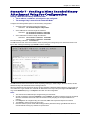
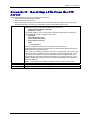
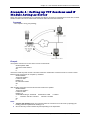
Scenario 1 – Updating Time from the NTP
Server
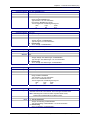
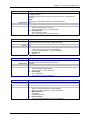
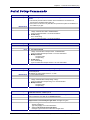
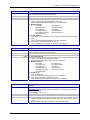
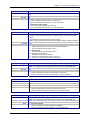
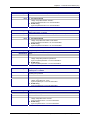
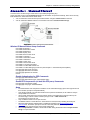
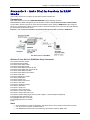
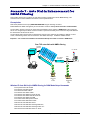
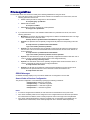
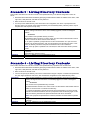
This scenario describes the updating of time from the NTP server with Daylight Savings Mode disabled.
Description
Configuration
Command
Result Responses
The IP module time and date are updated with the time specified by the server and with the
time-zone offset added to the time.
SNTP client should send periodic requests to the server for the time update function
depending on the polling time.
1. Mandatory configuration.
set sntp-client enable
Use "show date" or "show time" commands to check.
Time and Date should be synchronized with the server.
OK
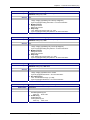
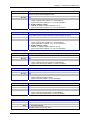
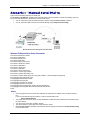
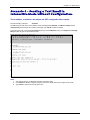
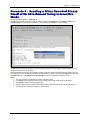
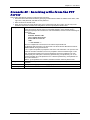
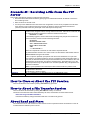
Scenario 2 – Updating Time from the NTP
Server
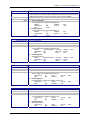
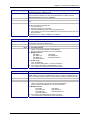
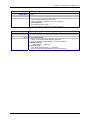
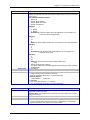
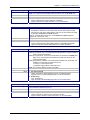
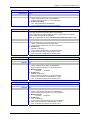
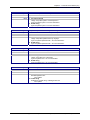
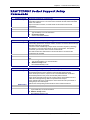
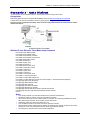
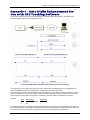
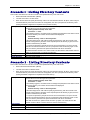
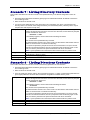
This scenario describes the updating of time from the NTP server with Daylight Savings Mode enabled.
Description
Configuration
Command
Result Responses
The IP module time and date are updated with the time specified by the server and with the
daylight offset added to the time if the time falls between start and end configuration.
SNTP client should send periodic requests to the server for the time update function
depending on the polling time.
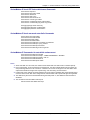
1. Mandatory configuration.
2. Optional configuration.
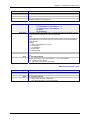
set sntp-client enable
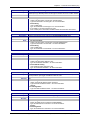
Use "show date" or "show time" commands to check.
Time and Date should be synchronized with the server.
OK
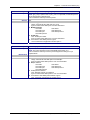
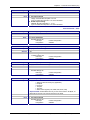
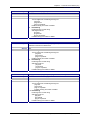
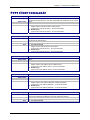
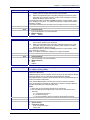
Note:
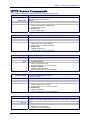
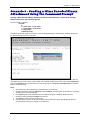
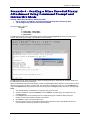
When the server cannot be reach or is not running, the SNTP client tries to reach the server every 10 seconds
for 6 times and waits for the polling time, and then it tries again to reach the server as before.
Command Line Interface and Application Examples for Multi-Tech Systems, Inc. IP Modules (S000368F)
141