1
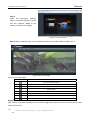
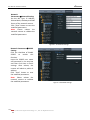
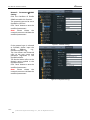
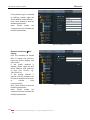
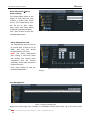
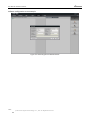
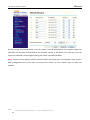
User Manual of Network Camera 20 Network ParametersDDNS Setting: Click the checkbox of Enable DDNS to enable this function. The protocol type can be set to DynDNS or IPServer. Click "Save" button to save the modified parameters. Note: Please reboot the network camera to validate the modified parameters. Figure2.1.17DDNS Settings If the protocol type is selected to DynDNS, please input the Server Address, e.g., members.dyndns. org. The User Name and Password refer to the user name and password registered in the DynDNS website. The Device Name refers to the domain name applied in the DynDNS website. Click "Save" button to save the modified parameters. Note: Please reboot the network camera to validate the modified parameters. Figure2.1.18DynDNS Settings © Hikvision Digital Technology Co., Ltd. All Rights Reserved.