1
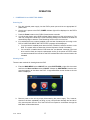
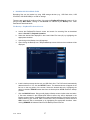
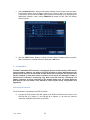
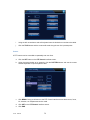
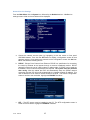
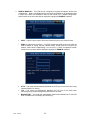
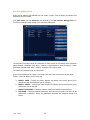
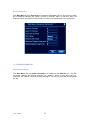
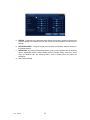
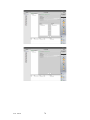
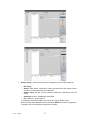
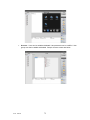
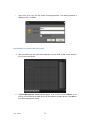
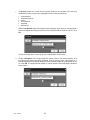
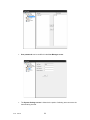
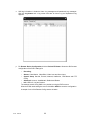
e. Once the information is entered and the OK button is clicked, the Device Manager screen
will list the new device both in the device list on the left side of the screen as well as the
device list in the center of the screen.
f.
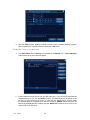
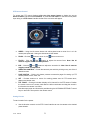
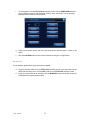
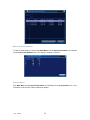
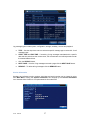
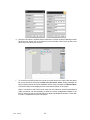
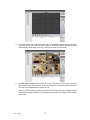
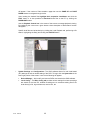
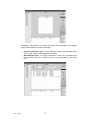
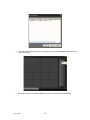
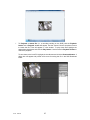
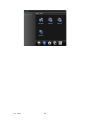
To connect to the DVR position the mouse cursor the device over name under the device
list on the left side of the screen. Double click the device name. Shortly thereafter the
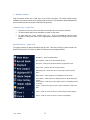
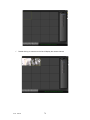
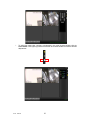
DVR’s camera channel list will be displayed and the screen transitions to Monitor Mode.
Connection status will be displayed in the center bottom portion of the screen.
Note: If connection to the DVR is to be made over the Internet a Virtual Private Network
(VPN) connection may be necessary to direct the remote management software to the
DVR. A VPN may also be required with some Wide Area Networks (WANs). Consult with
the site’s IT department for more information.
v2.0 11/8/11
64