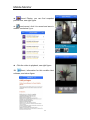
1
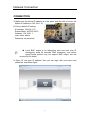
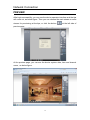
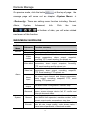
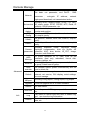
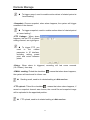
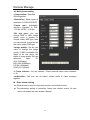
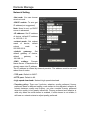
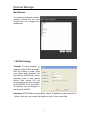
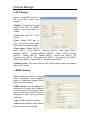
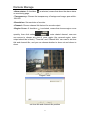
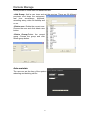
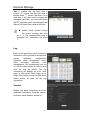
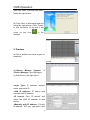
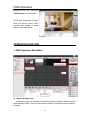
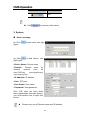
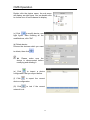
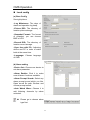
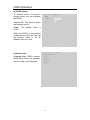
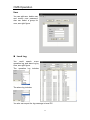
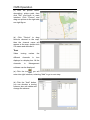
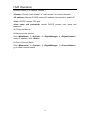
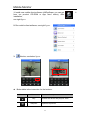
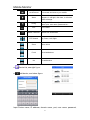
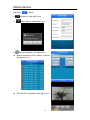
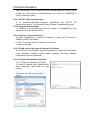
CMS Operation Double click the device name, the sub menu will display, as right figure. You can double click to choose one or more channel to display. (c) Click to modify device, see right figure. After finishing all the modifications, click "OK" (d) Delete device Choose the devices which you want to delete, then click . Please make sure the device is disconnected before modifying and deleting it. (e) Click to import a device configuration that you export before. (f) Click to export the current device configuration. (G) Click to test if the current network is ok. 54