1
Contents
Chapter 1 – Introduction and Description .............................................................................. 5
Key Features ...................................................................................................................... 5
RouteFinder Documentation ............................................................................................... 7
RF560VPN Front Panel ...................................................................................................... 8
RF560VPN Back Panel....................................................................................................... 9
Chapter 2 – Installation...........................................................................................................10
Safety Warnings ................................................................................................................10
System Requirements .......................................................................................................10
Unpacking Your RouteFinder.............................................................................................10
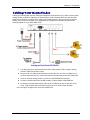
Cabling Your RouteFinder .................................................................................................11
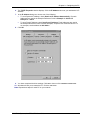
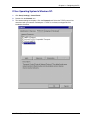
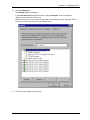
Chapter 3 – Configuring the PC .............................................................................................12
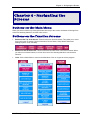
Chapter 4 – Navigating the Screens ......................................................................................19
Chapter 5 – Configuring the RouteFinder Using a Web Browser ........................................20
About the Browser Interface...............................................................................................20
Setup Wizard .....................................................................................................................22
Chapter 6 – Managing the RouteFinder Using a Web Browser............................................39
Device Information.............................................................................................................39
Device Status ....................................................................................................................40
Advanced Settings.............................................................................................................42
System Tools.....................................................................................................................52
Chapter 7 – Troubleshooting .................................................................................................60
Chapter 8 – Frequently Asked Questions .............................................................................63
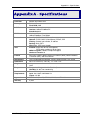
Appendix A – Specifications ..................................................................................................66
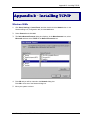
Appendix B – Installing TCP/IP ..............................................................................................67
Appendix C – Tools for Your RF560VPN ...............................................................................69
PING..................................................................................................................................69
WINIPCFG and IPCONFIG................................................................................................69
TRACERT..........................................................................................................................69
Appendix D – Warranty and Repairs .....................................................................................70