1
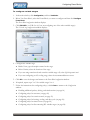
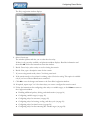
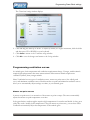
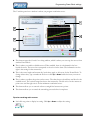
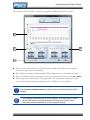
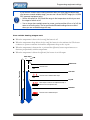
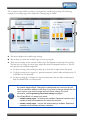
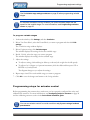
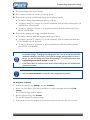
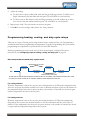
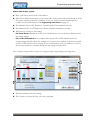
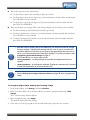
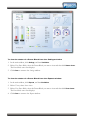
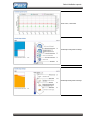
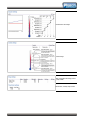
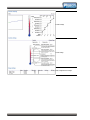
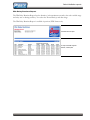
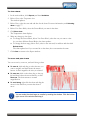
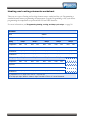
Programming equipment settings 5. Program the timed events. To set an event time, click and drag the number for hour or minute up or down. You can also click the number and then press UP or DOWN on your keyboard. To add the event to the list, click Add as…. To remove an event, select the event you want to remove and then click Remove event. 6. Repeat steps 3 to 5 for each event you want to program. 7. Click OK to save the changes and return to the Timed event settings window. 8. Click Close to return to the Settings window. 61