1
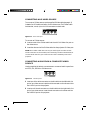
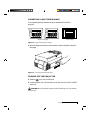
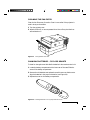
CLEANING THE FAN FILTER
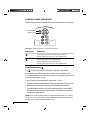
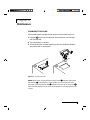
Clean the fan filter every 6 months. Clean it more often if the projector is
used in dusty environments.
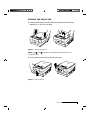
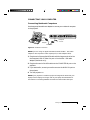
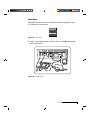
1 Turn the projector over.
2 Wipe the filter off, or use compressed air to blow off any dust that has
accumulated on it.
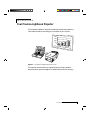
Figure 4-3
The Lightbook front filter
CHANGING BATTERIES – CYCLOPS REMOTE
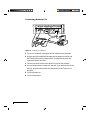
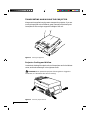
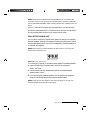
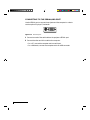
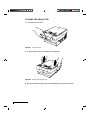
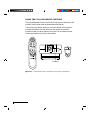
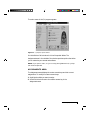
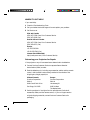
To install or change the two AAA alkaline batteries in the remote control unit:
1 Locate the battery compartment at the lower rear of the case. Slide the
cover off the battery compartment.
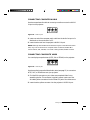
2 Remove the old batteries and replace them with new ones. Make sure to
align the batteries in the proper orientation (see Figure 4-4).
3 Replace the cover on the battery compartment.
Figure 4-4
Installing batteries in the Cyclops Remote Control
Maintenance
4-3