1
C2-6104A OPERATION MANUAL
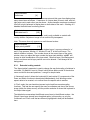
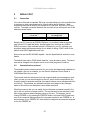
System
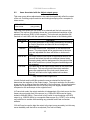
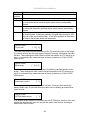
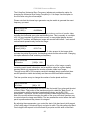
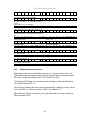
Buzzer
[ On]
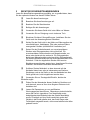
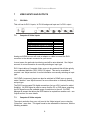
The screen labeled ‘Buzzer’ is actually the control for turning the “Beep” “On” or
“Off”. Normally this is left in the “On” position to provide positive feedback that your
data entries and parameter changes have been accepted.
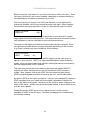
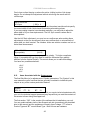
System
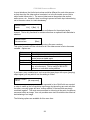
CC-300 A/B bus mode
[ Off]
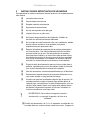
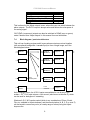
This menu item changes the function of an attached CC-300 CORIOconsole unit.
When set to ‘On’ any ‘Take’ will result in the A & B windows (‘buses’) being
swapped at the end of the Take – so that another ‘Take’ will put them back to as
they were before. (Note that not all units support the CC-300.)
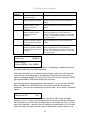
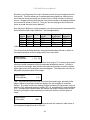
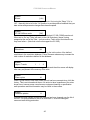
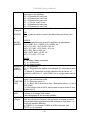
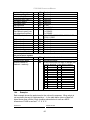
System
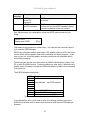
Resolutions
88
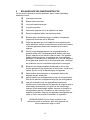
This screen is an informational screen showing the total number of the defined
resolutions in the resolution database. Future firmware releases may increase the
total number of resolutions defined in the database.
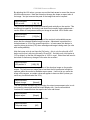
System
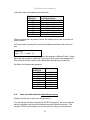
Logos / T-cards
1
/
4
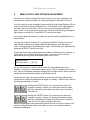
If your units supports Logos or Still Images / Testcards then this screen will display
how many are present in the memory of the units.
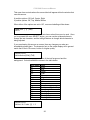
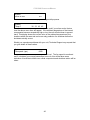
System
Power cycles
41
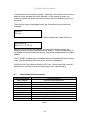
Power Cycles refers to how many times the unit has been powered since it left the
factory. This is an informational screen. No action is taken regardless of the value
shown here, however some users have an equipment cleaning or specification
audit procedure and this information may be useful to those users.
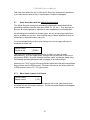
System
Firmware updates
11
Indicates the total number of times the firmware has been changed over the life of
the unit. It is quite possible for this to be more than 1, as a unit undergoes
numerous tests during production.
45