1
Contents
1 Introduction and Package Contents...........................................................................................1
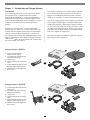
Introduction
Package Contents—QIO-E34
Package Contents—QIO-PCIE
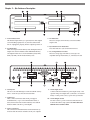
2 Qio Enclosure Description..........................................................................................................2
3 Software/Hardware Installation Steps........................................................................................3
A – Software Download
B – Software Installation Steps
C – Express Bus Extender PCIe Installation Steps
4 Connecting Qio.........................................................................................................................4
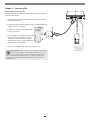
Connecting Qio to a MacBook Pro WITH a Thunderbolt Port
Connecting Qio to a MacBook Pro WITHOUT a Thunderbolt Port
Connecting Qio to a Mac Pro
5 Memory Card and Adapter Card Use........................................................................................... 6
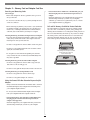
Inserting and Removing Cards
All Card Types
Inserting/Removing SxS Media and ExpressCard/34 Adapters
Inserting/Removing P2 Media and CardBus Adapters
Inserting/Removing CF (CompactFlash) Cards
Using the Sonnet PCIe Bus Extender ExpressCard/34 Adapter
SxS and P2 Memory Card Write Protect Switches
6 Formatting Drives Connected Via eSATA.....................................................................................7
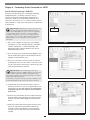
Mac OS X Drive Formatting—RAID Sets
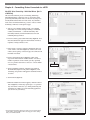
Mac OS X Drive Formatting—Individual Drives (Not in a RAID Set)
7 Tips and Known Issues..............................................................................................................9
Tips
Known Issues
8 Specifications, Precautions, FCC Compliance, and Support Information......................................10
Specifications
Safety Precautions
FCC Compliance
Contacting Customer Service