1
3
Chapter 3
MAKING COPIES
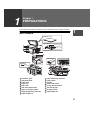
This chapter explains basic copying functions.
NORMAL COPYING
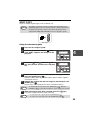
Using the document glass
Note
1
• The document glass can scan up to a A4 original.
• When a copy is made, the edges will not be copied (image loss). For
the image loss, see the "SPECIFICATIONS" (p.89).
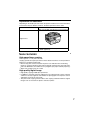
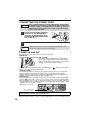
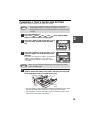
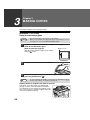
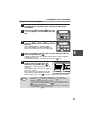
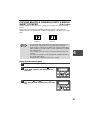
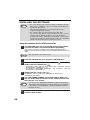
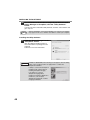
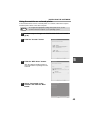
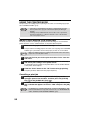
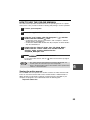
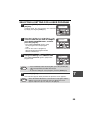
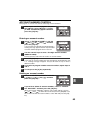
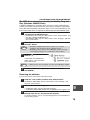
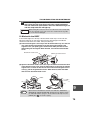
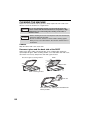
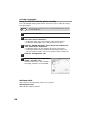
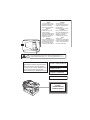
Open the document cover/RSPF, and place the original face
down on the document glass.
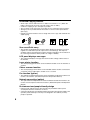
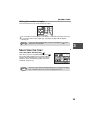
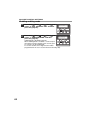
[How to place the original]
Original scale
Align the original with the original scale and the
centring ( ) mark.
mark
2
3
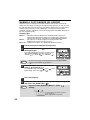
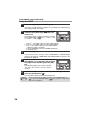
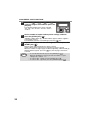
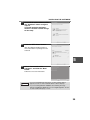
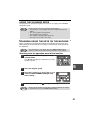
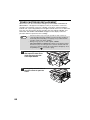
Gently close the document cover/RSPF.
4
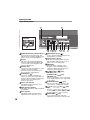
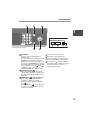
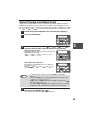
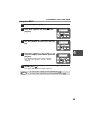
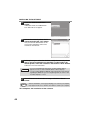
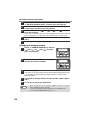
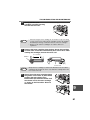
Select the number of copies and other copy settings, and then
press the [START] key (
).
Note
• To stop copying in the middle of a run, press the [CLEAR] key (
• For the copy settings, see pages 23 through 35.
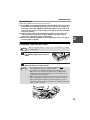
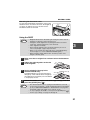
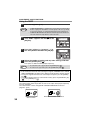
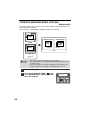
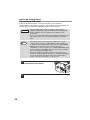
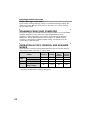
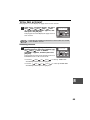
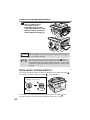
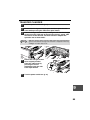
Copying books or originals with folds or creases
Press down on the document cover/RSPF while
copying as shown. If the document cover/RSPF is
not completely closed, shadows may appear on the
copy or it may be fuzzy. Straight originals with folds
or creases well before placing.
20
).