1
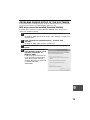
CREATING MARGINS WHEN COPYING
(Margin shift)
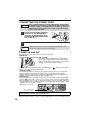
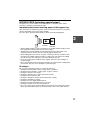
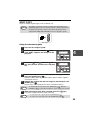
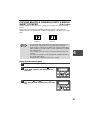
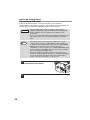
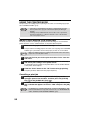
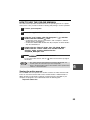
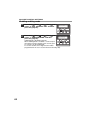
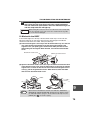
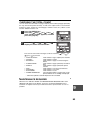
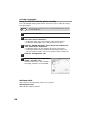
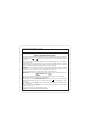
The margin shift function is used to automatically shift the text or image or the copy
paper approximately 10 mm.
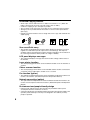
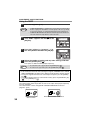
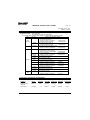
As shown below, LONG EDGE or SHORT EDGE can be selected.
AB
SHORT EDGE
RSPF
BA
LONG EDGE
AB
AB
Margin
Margin
Copy
Document glass
Original
Note
• This feature cannot be used with the 2 IN 1 feature.
• The margin width can be changed with "MARGIN WIDTH" in the user
programs. (p.55)
• Note that a margin is created by shifting the image, and thus if the
image is shifted too far, the edge of the image may be cut off.
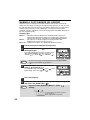
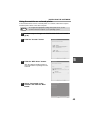
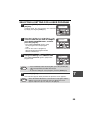
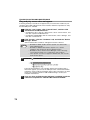
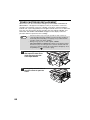
1
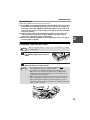
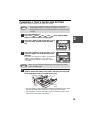
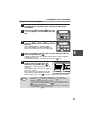
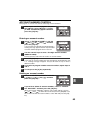
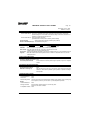
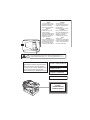
Place the original(s).
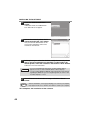
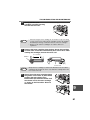
2
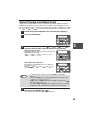
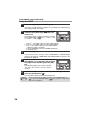
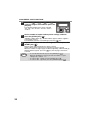
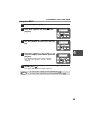
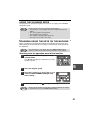
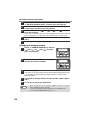
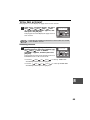
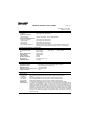
Press the [E-SORT/SP.FUNC (
)] key
until "MARGIN SHIFT" appears and then
press the [OK] key.
1,2,3,
1,2,3,
SP. FUNC
SPECIAL FUNCTION
MARGIN SHIFT
OK
1,2,3,
1,2,3,
SP. FUNC
34
ZOOM