1
ENGLISH
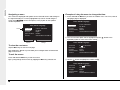
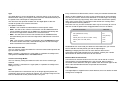
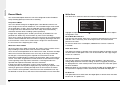
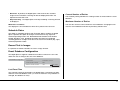
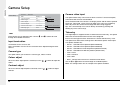
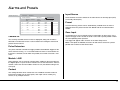
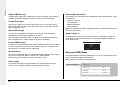
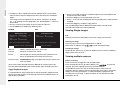
Passwords
The Digital Sprite 2 can be password protected to ensure only authorised
personnel can gain access to the configuration menus of the system.
Make a note of your passwords here:
User / Playback password: .................................
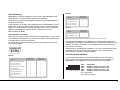
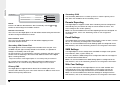
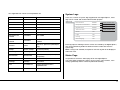
Local Password
Off, On
User password
Off
Installer password
Off
Off, On
Off
Off, On
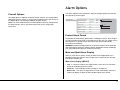
Playback Password
User password
There are two menu options within the User configuration menus; ‘Time, Date,
and Language’ and ‘Schedule’, this ensures only the authorised user with the
correct password can gain access to these parameters for configuration.
Note: All other menus are within the Installer operation.
Installer password
The Installer password allows authorised users to enter, configure and view all
of the menu pages on the Digital Sprite 2.
Playback Password
With the Playback password set to On, a password must be entered before
images can be played back. In this case, the Playback password will use the
same password that was set for the User Password.
WARNING: For security, lost passwords can only be reset by returning the unit
to Dedicated Micros.
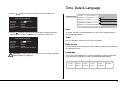
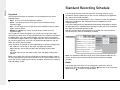
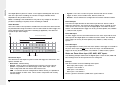
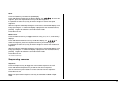
To set the password:
1. Set the User / Installer / Playback option to On.
2. Enter a password, which can be up to 9 digits long.
3. Re-enter the password. Once set, the password must be correctly entered to
access the menus.
36
Installer password:
.................................