1
Limitations when using with Windows® XP/2000
®
Windows XP
• Log onto your PC with administrator privileges; the software may
not be installed properly otherwise. Upon using the software, you
will need to log on as an administrator. If you are logged in as a
non-administrative account, then you must first log off to log into
an administrator's account.
Windows® 2000
• When installing as well as using the software, you will need to log
on as an administrator. If necessary, you may need to contact the
administrator of the PC in a work environment.
Installing
Precautions:
• Prior to installing the Synchronization Software, make sure
that Microsoft® Outlook® is installed and set up. If not,
install and set up the Outlook® first, then install the
Synchronization Software.
• Disconnect the USB cable before the installation. If the
installation is proceeded with the USB cable connected, you
must disconnect the cable, then follow the Read Me file on
the CD-ROM to start over the installation procedure.
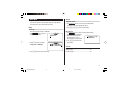
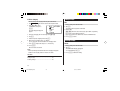
1. Insert the PC software CD-ROM into your CD-ROM drive.
Installation process should automatically start.
If the PC software screen does not appear, double-click “My
Computer” to locate the CD-ROM drive directory, then double-click
to launch “installer.exe” found on the CD-ROM.
2. Click the "Install" button.
3. Follow the installation instructions that appear on the screen.
4. When the installation is complete, click the "Finish" button to finish
the installation process.
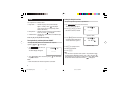
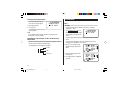
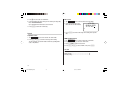
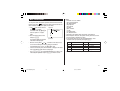
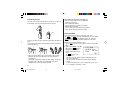
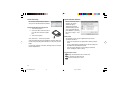
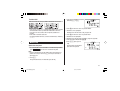
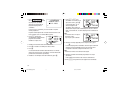
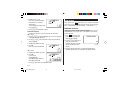
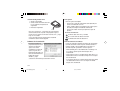
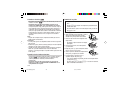
5. When the USB cable detection window
appears, connect the USB connector of the
USB PC-Link cable to the PC’s USB port, then
click “Next”. Do not connect the Organizer yet.
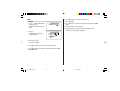
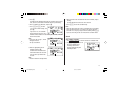
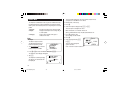
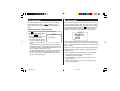
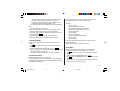
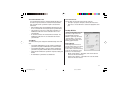
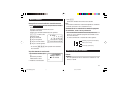
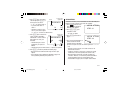
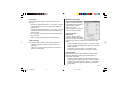
6. The USB driver installation window appears.
7. Follow the installation instructions on the
screen.
8. When the installation is complete, click the
“Finish” button to finish the installation
process.
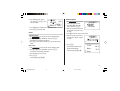
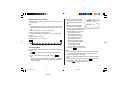
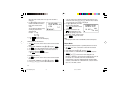
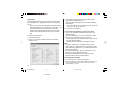
9. When the USB cable detection window appears, click “Next” to have
the USB cable detected. Click “Finish” to complete the detection
procedure.
Note:
• If the cable is not detected, refer to the Read Me file on the CD-ROM
to start over the procedure.
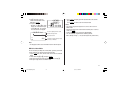
10. The procedure will then be followed by the Serial Port Setup, and
the Synchronization setting window.
Note:
• For Windows2000® Professional and Windows® XP, install/uninstall
programs after logging on as an Administrator.
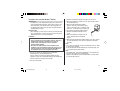
• Apply the USB cable for use with OZ-290HII only. The cable cannot
be used with other devices.
35
OZ-290HII(En).pm65
35
05.2.2, 3:54 PM