1
FINISHER (AR-FN4)
Offset stack
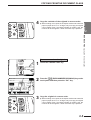
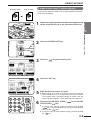
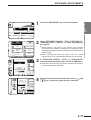
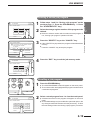
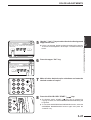
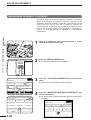
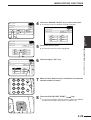
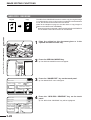
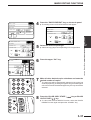
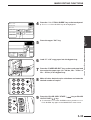
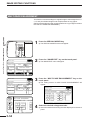
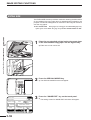
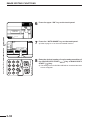
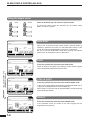
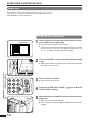
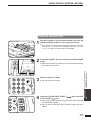
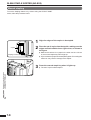
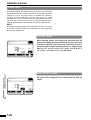
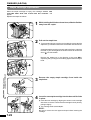
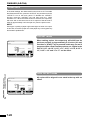
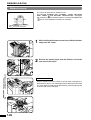
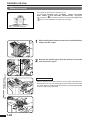
In the initial settings, the offset stack function is set to off. To enable
the offset stack function, press the “OUTPUT” key and then touch the
“OFFSET” icon on the touch panel. To disable the “OFFSET”
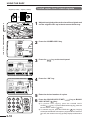
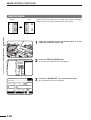
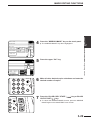
function, press the “OUTPUT” key and then touch the “NON
OFFSET” icon. When the offset function is selected, the output tray
will move side to side each time a set is output so that each set is
offset by approximately 0.8 inches (20 mm) from the previous set.
NOTE:
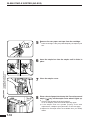
Some type or quality of paper might cause tight curl when it is output.
In this case, remove the paper out of the paper tray or the bypass tray
and reload it upside down.
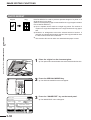
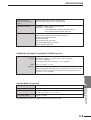
OFFSET mode
READY TO COPY.
OK
OUTPUT
NON OFFSET
AUTO
EXPOSURE
8/12 11
AUTO
PAPER SELECT
OFFSET
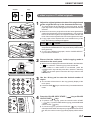
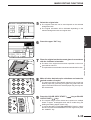
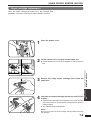
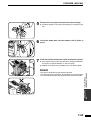
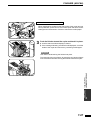
When making copies, the output tray will shift from its
previous position by approximately 0.8 inches (20 mm)
each time a “START” key is pressed. In this way, the set in
progress will be offset from the previous set. Copies in the
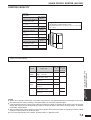
size of 5-1/2" x 8-1/2", 8-1/2" x 11", 8-1/2" x 11"R, 8-1/2" x
13", 8-1/2" x 14" and 11"x 17" can be offset.
100%
COPY RATIO
READY TO COPY.
OK
OUTPUT
NON OFFSET
AUTO
EXPOSURE
7
OPTIONAL EQUIPMENT
Finisher (AR-FN4) CHAPTER
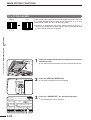
NON OFFSET mode
7-20
1
8/
AUTO
2 11
PAPER SELECT
OFFSET
100%
COPY RATIO
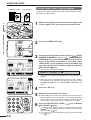
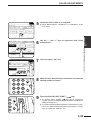
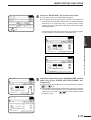
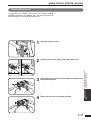
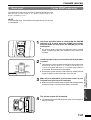
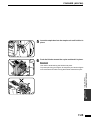
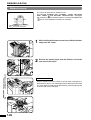
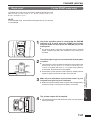
All copies will be aligned in one stack in the tray with no
offset.