1
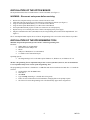
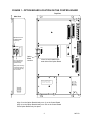
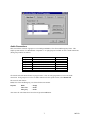
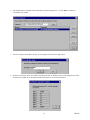
Dip Switch Number
SW1
SW2
SW3
SW4
SW5
SW6
SW7
SW8
9.
Description
Override DTR
Verbal Result Codes
Suppress Result Codes
Echo Offline Commands
Auto Answer on Ring
Carrier Detect Normal
Load NVRAM Defaults on Power-up
Smart Mode
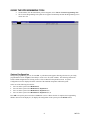
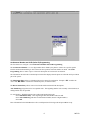
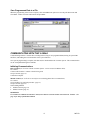
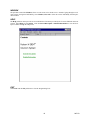
After modem setup is complete, the screen below appears verifying a successful setup..
A.
MENU OPTIONS
PRINT
The print option allows the system to provide a hard-copy verification of how the system is programmed. To print,
the PC must be connected to a printer via the RS-232 serial printer port (DB9 connector).
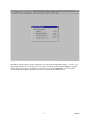
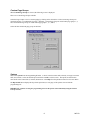
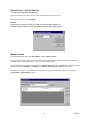
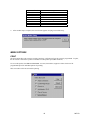
To access this option, select File and then Print. A screen (shown below) appears to allow selection of all
programmed options or individual options for printing.
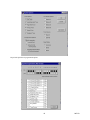
This screen shows all items selected for printing.
18
947213