1
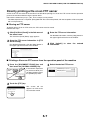
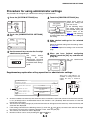
USING ACCOUNT NUMBERS WHEN PRINTING
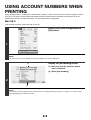
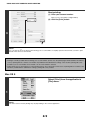
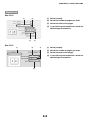
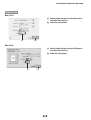
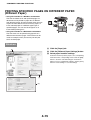
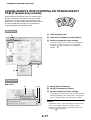
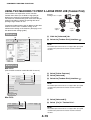
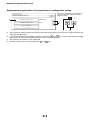
Start printing.
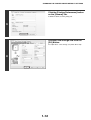
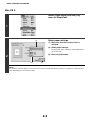
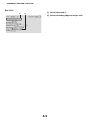
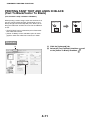
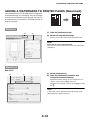
(1) Enter your account number.
Enter your account number (5-digit number).
(2) Click the [Print] button.
3
(1)
(2)
NOTE
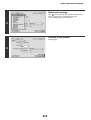
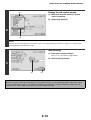
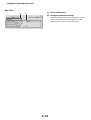
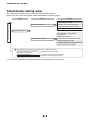
You can click the
(lock) button after entering your account number, to simplify operation the next time you wish to print
based on the same account number.
NOTES
• Printing is normally possible without entering your account number. (In this case, the printed pages will be added to the "Others"
count.) If printing without a valid account number is prohibited in the administrator settings of the machine, printing will not be
possible if your account number is not entered or an incorrect number is entered.
• In Mac OS X v10.1.5, the machine's account number function cannot be used. For this reason, if printing without a valid account
number is prohibited in the administrator settings, printing will not be possible.
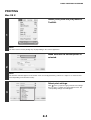
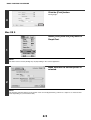
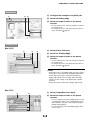
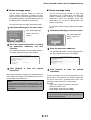
Mac OS 9
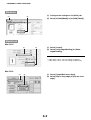
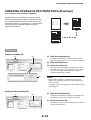
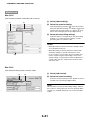
Select [Print] from the application's
[File] menu.
1
NOTE
The menu used to execute printing may vary depending on the software application.
2-9