1
Programmer's Guide
POSjet® 1500
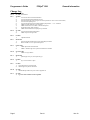
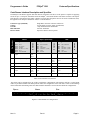
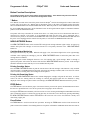
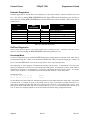
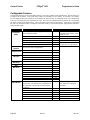
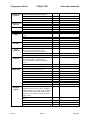
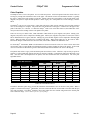
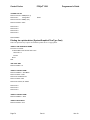
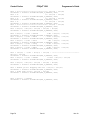
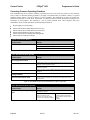
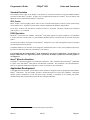
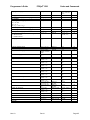
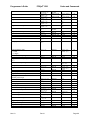
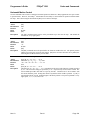
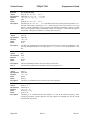
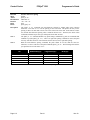
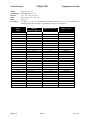
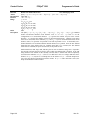
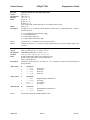
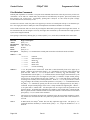
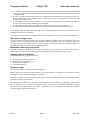
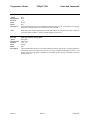
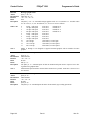
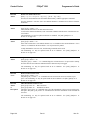
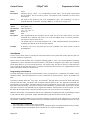
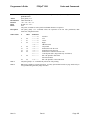
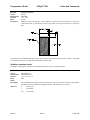
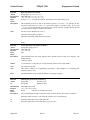
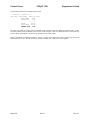
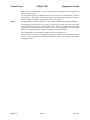
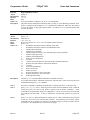
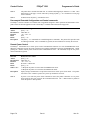
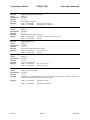
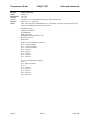
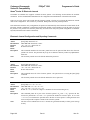
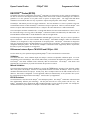
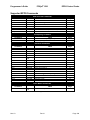
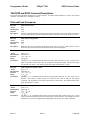
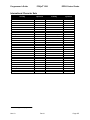
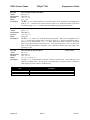
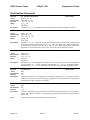
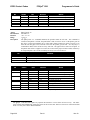
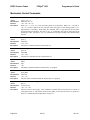
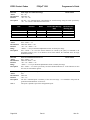
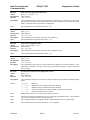
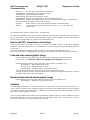
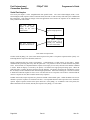
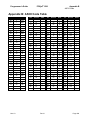
The parallel option features define how the
busy and acknowledge signals operate.
Ack-while-Busy
Ack-in-Busy
Ack-after-Busy
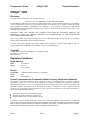
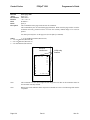
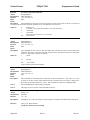
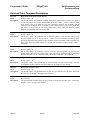
The parallel port INIT pin can be deactivated.
Parallel Port
Active
INIT Pin
Inactive
Normal
10 CPI (DC2)
Disabled
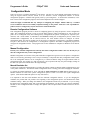
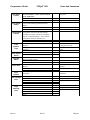
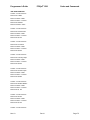
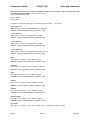
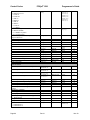
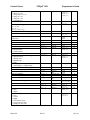
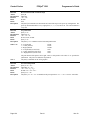
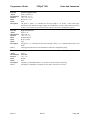
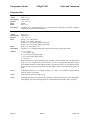
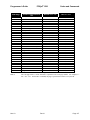
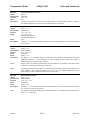
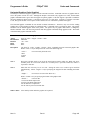
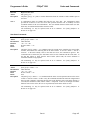
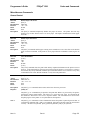
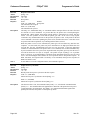
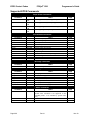
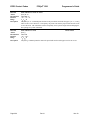
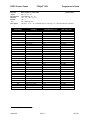
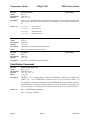
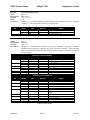
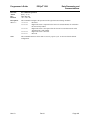
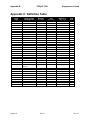
Serial Interface Options
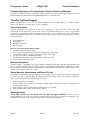
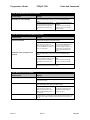
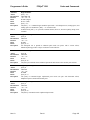
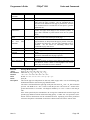
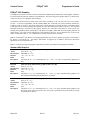
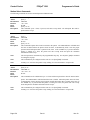
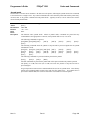
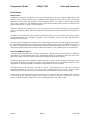
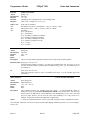
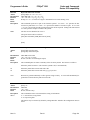
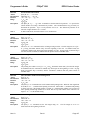
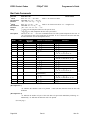
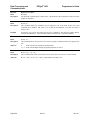
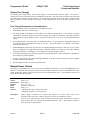
The serial mode parity can be set to none, odd,
Parity
or even.
None
Odd
Even
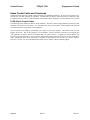
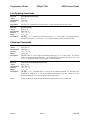
The serial bit format can be set to 8 or 7.
Bit Data
8
7
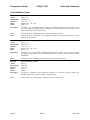
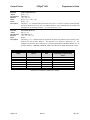
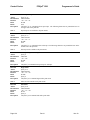
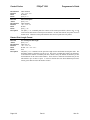
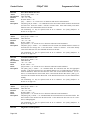
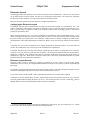
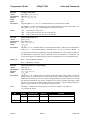
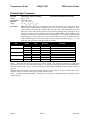
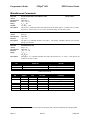
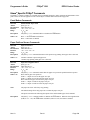
If a communications error occurs, an internal
Error
error is generated. The printer can be
Character
configured to ignore the data or print a "?"
Enabled prints "?"
Disabled ignores the data
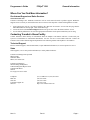
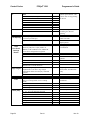
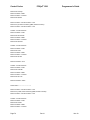
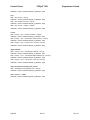
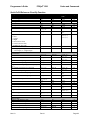
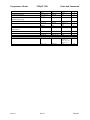
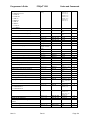
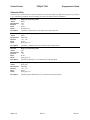
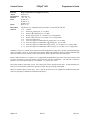
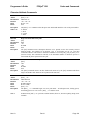
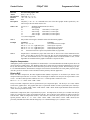
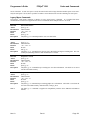
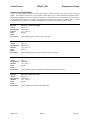
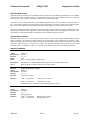
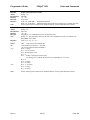
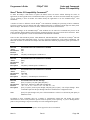
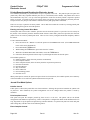
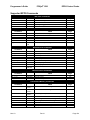
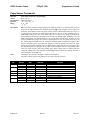
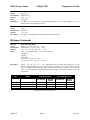
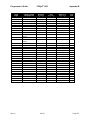
The flow control protocol of the serial link can
Protocol
be set to Ready/Busy or XON/XOFF.
Ready/Busy functions when XON/XOFF is
selected.
Ready/Busy
XON/XOFF
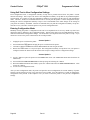
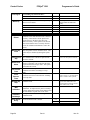
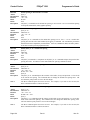
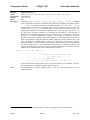
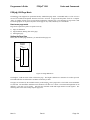
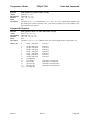
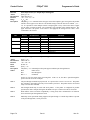
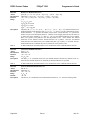
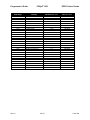
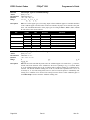
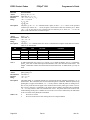
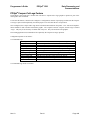
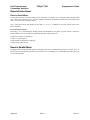
The bit rate of the printer can be set. The same
Baud Rate
bit rate is used for send and receive.
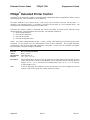
38400 BPS
19200 BPS
9600 BPS
4800 BPS
2400 BPS
1200 BPS
600 BPS
300 BPS
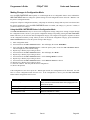
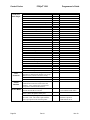
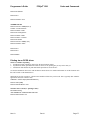
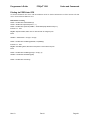
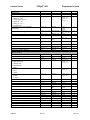
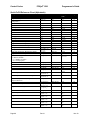
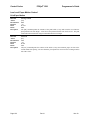
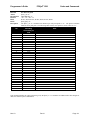
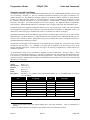
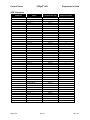
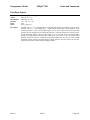
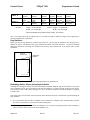
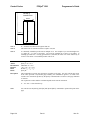
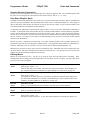
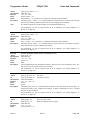
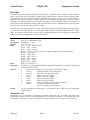
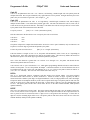
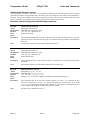
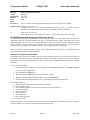
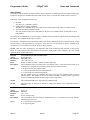
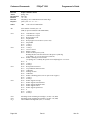
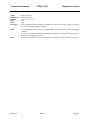
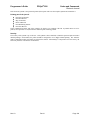
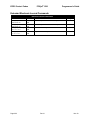
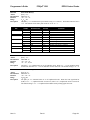
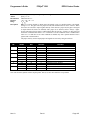
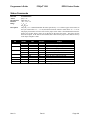
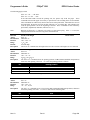
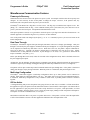
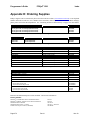
The serial port DTR and/or RTS signal can be
DTR/RTS
configured to provide flow control. If DTR is
Signal
configured as the flow control signal, it toggles
to false when the buffer is full. RTS does not.
When the cover is opened, both signals always
toggle to false.
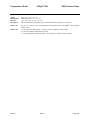
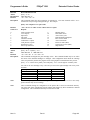
Not Used (Not valid unless in XON/XOFF
Mode)
DTR Flow
RTS Flow
RTS and DTR Flow
Codes and Commands
Parallel Link
Options
Nov-10
Rev N
•
•
•
•
•
•
•
•
•
Page 55