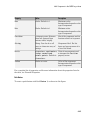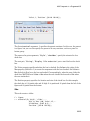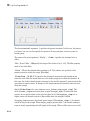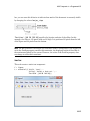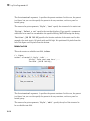
1
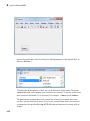
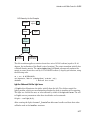
UI That Uses Persistent Data
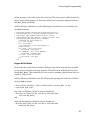
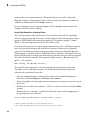
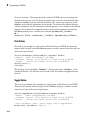
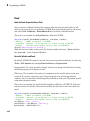
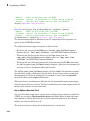
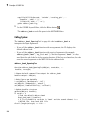
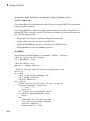
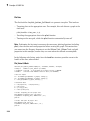
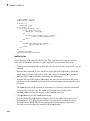
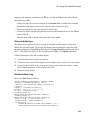
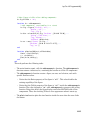
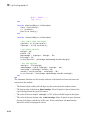
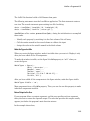
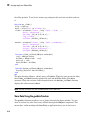
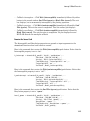
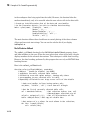
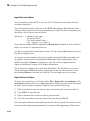
% it equal to the index of the
% last element in the Addresses array
if i < 1
i = length(Addresses);
end
case 'Next'
% Increase the index by one
i = index + 1;
% If the index is greater than the size of the array then point
% to the first item in the Addresses array
if i > length(Addresses)
i = 1;
end
end
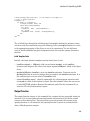
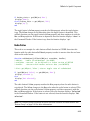
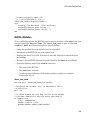
% Get the appropriate data for the index in selected
Current_Name = Addresses(i).Name;
Current_Phone = Addresses(i).Phone;
set(handles.Contact_Name,'string',Current_Name)
set(handles.Contact_Phone,'string',Current_Phone)
% Update the index pointer to reflect the new index
handles.Index = i;
guidata(hObject,handles)
Save File
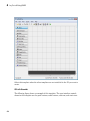
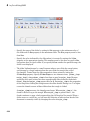
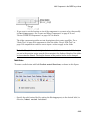
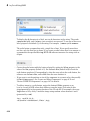
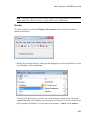
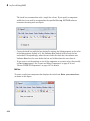
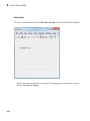
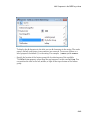
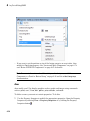
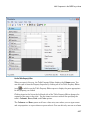
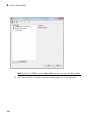
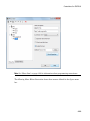
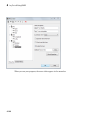
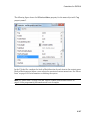
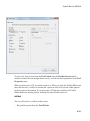
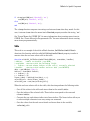
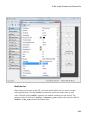
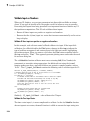
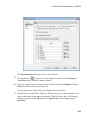
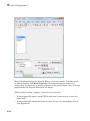
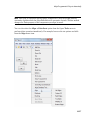
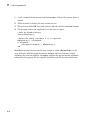
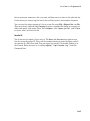
When you make changes to an address book, the File submenus Save and Save As
enable you to save the current MAT-file, or save it as a new MAT-file. These menus
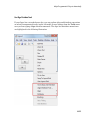
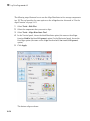
were created with the Menu Editor (Tools > Menu Editor, and use the same callback,
Save_Callback.
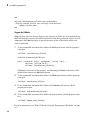
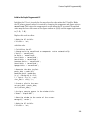
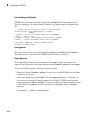
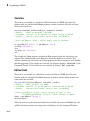
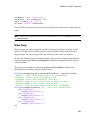
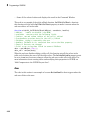
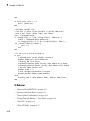
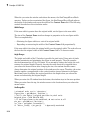
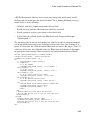
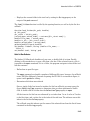
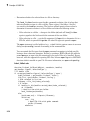
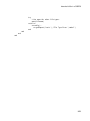
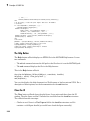
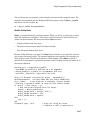
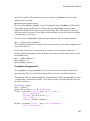
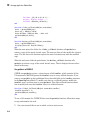
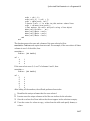
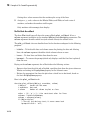
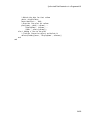
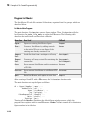
“Save_Callback” on page 9-16 in address_book.m uses the menu Tag property
(also specified in the Menu Editor) to identify whether Save or Save As is the callback
object (that is, the object whose handle is passed in as the first argument to the
Save_Callback).
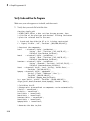
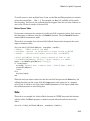
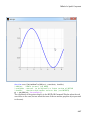
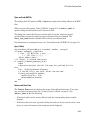
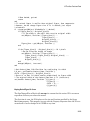
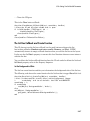
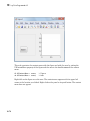
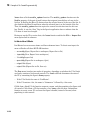
The handles structure contains the Addresses structure, which the UI must
save (handles.Addresses) as well as the name of the currently loaded MATfile (handles.LastFile). When you change a name or number in the UI,
9-15