1
Troubleshooting
b
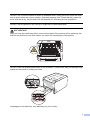
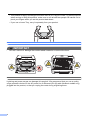
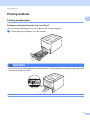
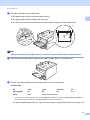
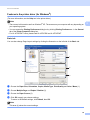
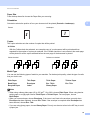
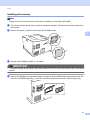
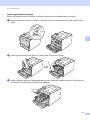
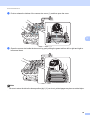
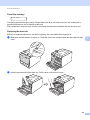
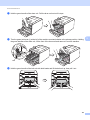
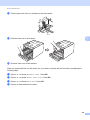
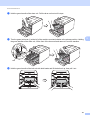
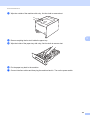
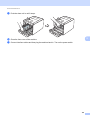
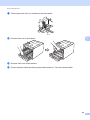
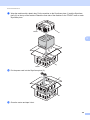
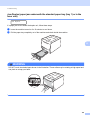
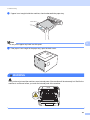
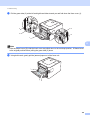
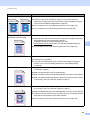
Use both hands to slowly pull out the jammed paper.
6
Note
Pulling out the jammed paper downward allows you to remove the paper easier.
c
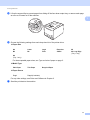
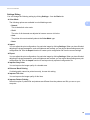
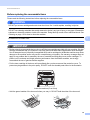
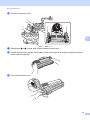
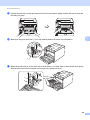
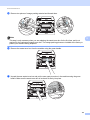
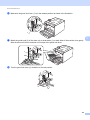
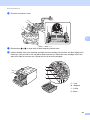
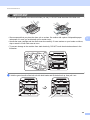
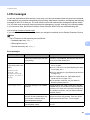
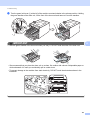
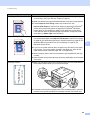
Make sure that the paper is below the maximum paper mark (b b b). While pressing the green
paper-guide release lever, slide the paper guides to fit the paper size. Make sure that the guides are
firmly in the slots.
d
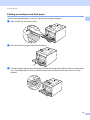
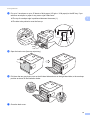
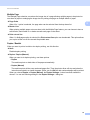
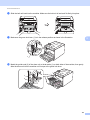
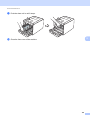
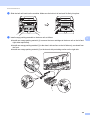
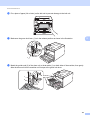
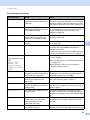
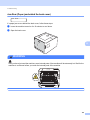
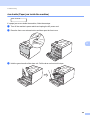
Put the paper tray firmly back in the machine.
149