1
Configuring Frame Relay
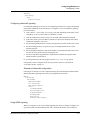
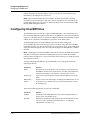
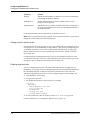
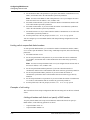
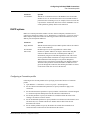
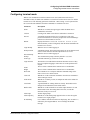
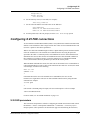
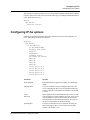
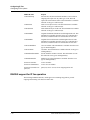
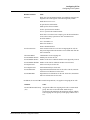
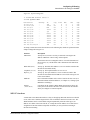
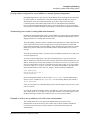
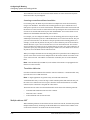
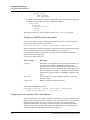
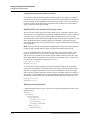
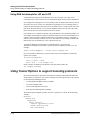
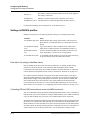
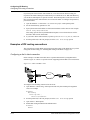
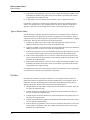
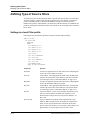
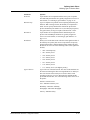
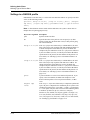
Configuring a DLCI logical interface
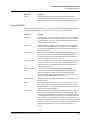
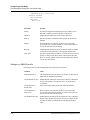
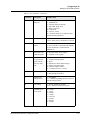
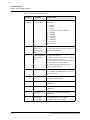
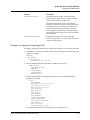
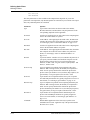
Attribute
Value
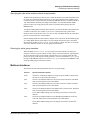
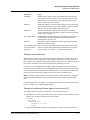
Ascend-Backup (176)
Name of a backup Connection profile to the next hop (optional).
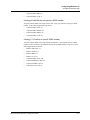
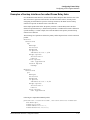
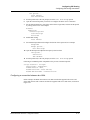
See “Examples of backup interfaces for nailed Frame Relay links”
on page 5-17.
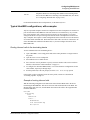
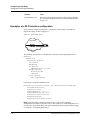
Examples of a DLCI interface configuration
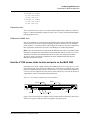
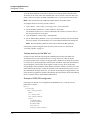
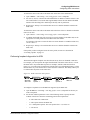
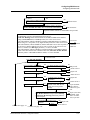
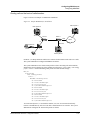
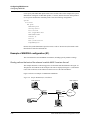
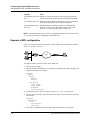
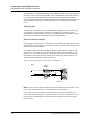
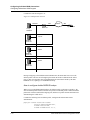
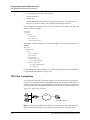
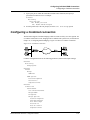
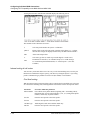
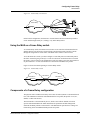
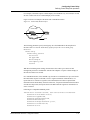
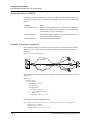
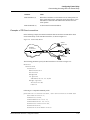
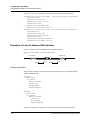
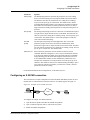
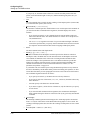
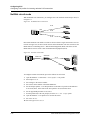
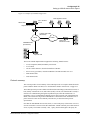
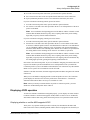
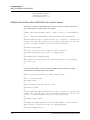
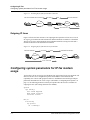
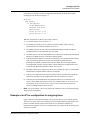
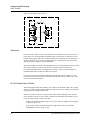
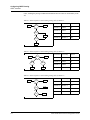
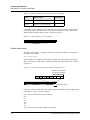
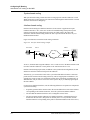
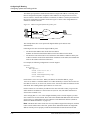
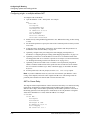
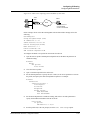
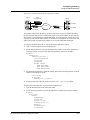
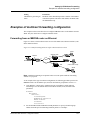
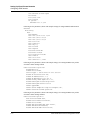
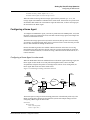
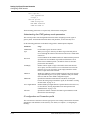
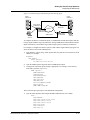
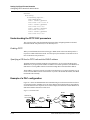
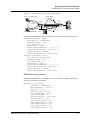
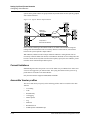
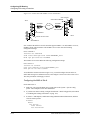
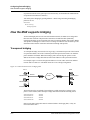
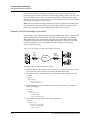
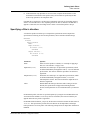
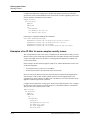
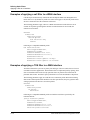
In the following example, the MAX has a connection to a Frame Relay switch that also
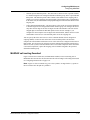
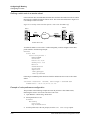
supports IP routing, as shown in Figure 5-7:
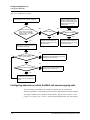
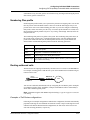
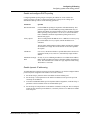
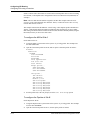
Figure 5-7. Frame Relay PVC
Frame Relay
10.11.12.3/24
DLCI 100
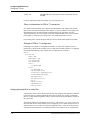
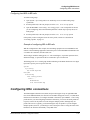
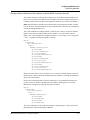
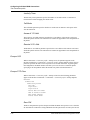
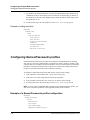
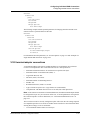
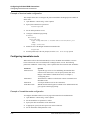
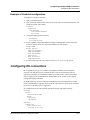
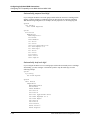
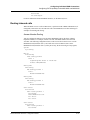
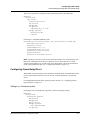
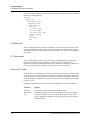
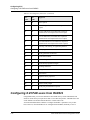
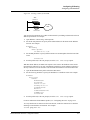
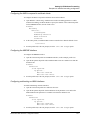
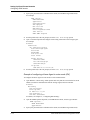
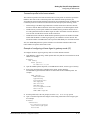
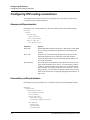
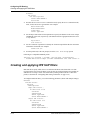
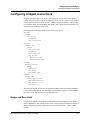
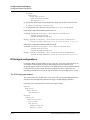
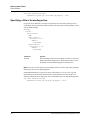
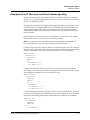
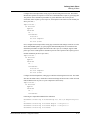
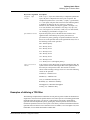
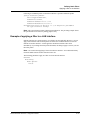
The following set of parameters configures the Connection profile, assigning DLCI 100:
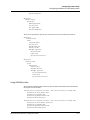
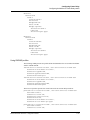
Ethernet
Connections
Connection profile
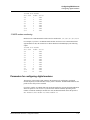
Active=Yes
Encaps=FR
IP options
LAN Adrs=10.11.12.3/24
Encaps options
FR Prof=fr-dce
DLCI=100
Telco options
Call Type=Nailed
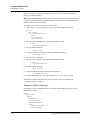
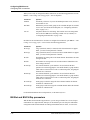
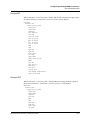
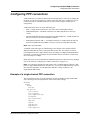
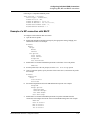
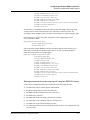
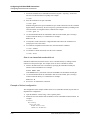
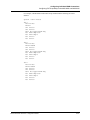
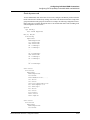
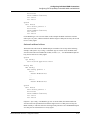
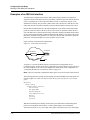
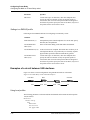
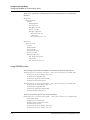
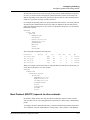
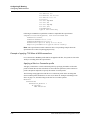
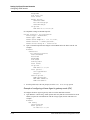
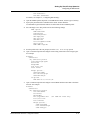
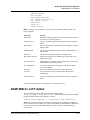
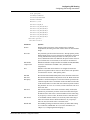
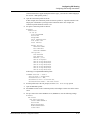
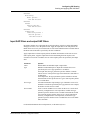
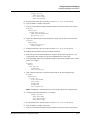
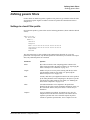
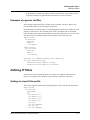
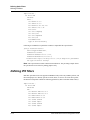
Following is a comparable RADIUS profile:
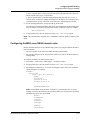
permconn-max-1 Password="ascend", User-Service=Dialout-Framed-User
User-Name="max-switch",
Framed-Protocol=FR,
Framed-Address=10.11.12.3,
Framed-Netmask=255.255.255.0,
Ascend-Route-IP=Route-IP-Yes,
Ascend-FR-DLCI=100,
Ascend-FR-Profile-Name="fr-dce"
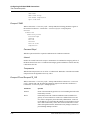
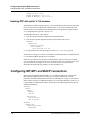
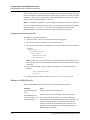
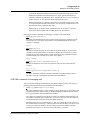
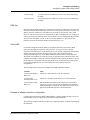
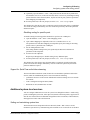
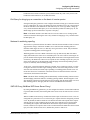
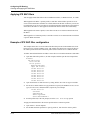
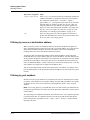
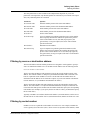
Note: When IP routing is enabled, the MAX creates a route for this destination.
Administrators can choose to add static routes to other subnets or to enable RIP updates to or
from the router across Frame Relay. The usual considerations for IP routing connections apply
(see Chapter 9, “Configuring IP Routing.”)
5-16 Preliminary January 4, 2001
MAX 6000/3000 Network Configuration Guide