1
DEFINITY Enterprise Communications Server Release 6
Installation and Test for Multi-Carrier Cabinets 555-230-112
1
Install and Connect Cabinets
Connect AC Power and Ground
Issue 5
May 1998
Page 1-14
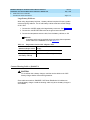
Large Battery Holdover
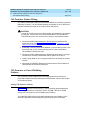
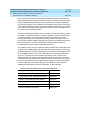
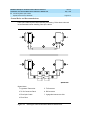
When using large battery holdover, 1 battery cabinet is required for every system
cabinet requiring holdover. The 24-cell battery cabinet must have a float voltage
of 54.2 VDC.
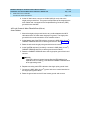
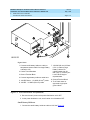
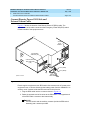
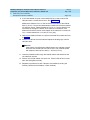
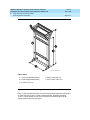
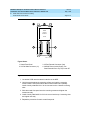
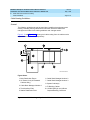
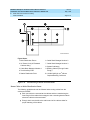
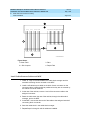
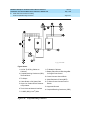
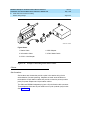
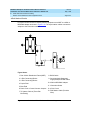
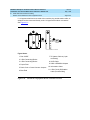
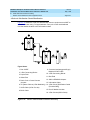
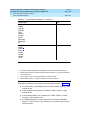
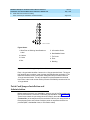
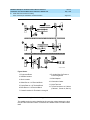
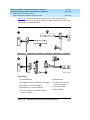
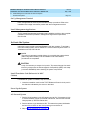
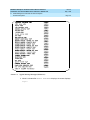
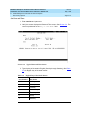
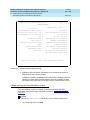
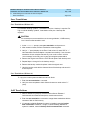
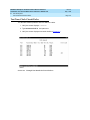
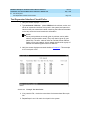
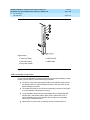
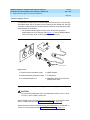
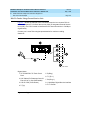
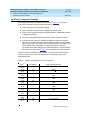
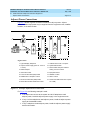
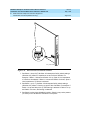
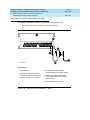
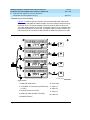
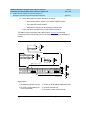
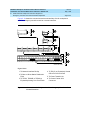
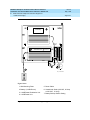
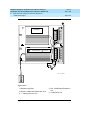
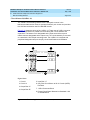
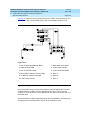
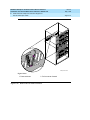
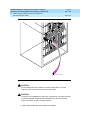
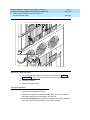
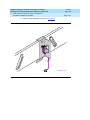
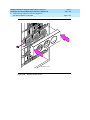
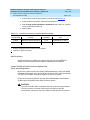
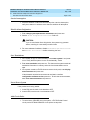
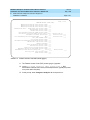
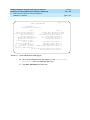
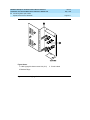
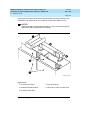
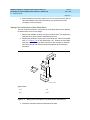
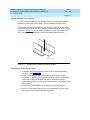
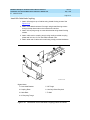
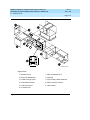
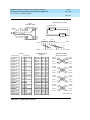
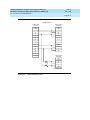
1. Connect the -48 VDC cable to the large battery connector. See Figure 1-4.
2. Connect the -48 VDC RETURN cable to the ground terminal block.
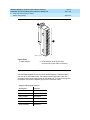
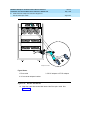
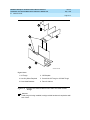
3. Connect the temperature sensor cable, from the battery cabinet, to J20.
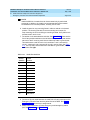
NOTE:
An adapter cable may be required when connecting the temperature
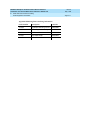
sensor cable to the J58890CH unit. See Table 1-4.
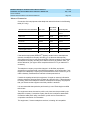
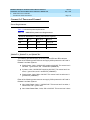
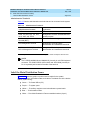
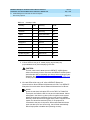
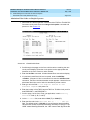
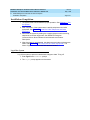
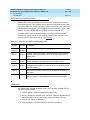
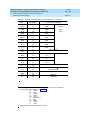
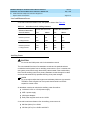
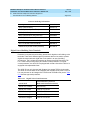
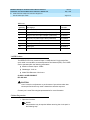
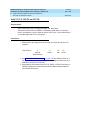
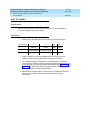
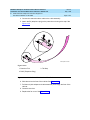
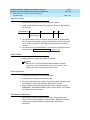
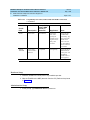
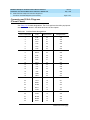
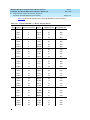
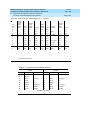
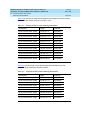
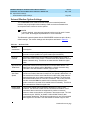
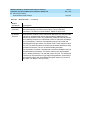
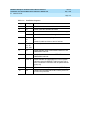
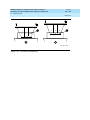
Table 1-4.
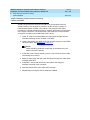
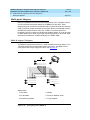
Temperature Sensor Cable Adapter Cables
H600-476 Adapter Cable
Usage
Group 1 (G1)
24-cell customer-provided battery
Group 3 (G3) (included
with battery cabinet)
24-cell Lucent Technologies battery
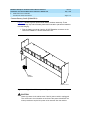
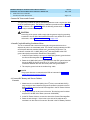
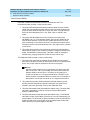
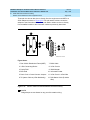
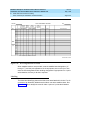
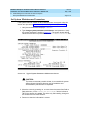
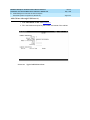
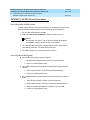
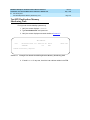
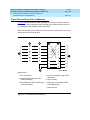
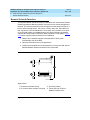
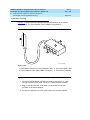
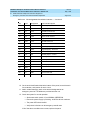
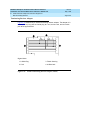
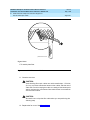
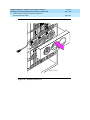
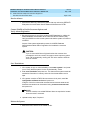
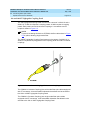
Connect Shorting Cable to J58890CE-2
! CAUTION:
For a cabinet with a battery charger, read the caution label on the 397C
battery charger before disconnecting batteries.
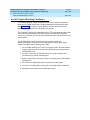
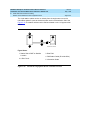
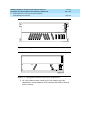
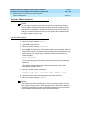
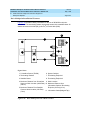
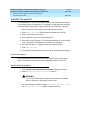
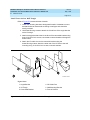
Some cabinets contain a J58890CE-2 AC Power Distribution Unit without an
optional battery charger. Install the shorting cable only when a battery charger is
not installed.