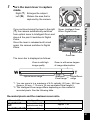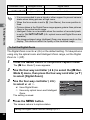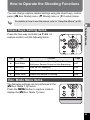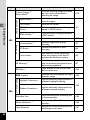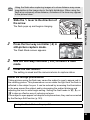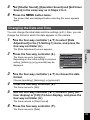
1
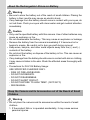
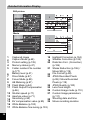
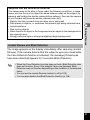
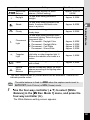
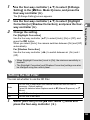
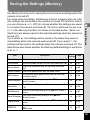
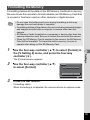
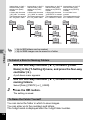
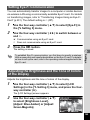
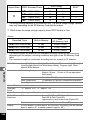
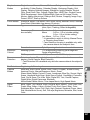
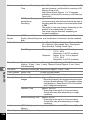
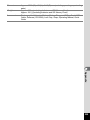
Image taken on April 1
with the folder name
setting set to [Date]
created.
A folder with the name
“100_0401” is created.
The images are saved in
the “100_0401” folder.
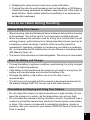
Image taken on April 8
with the folder name
setting set to [Date]
created.
A folder with the name
“101_0408” is created.
The images are saved in
the “101_0408” folder.
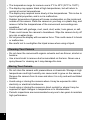
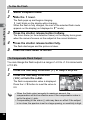
Image taken on April 10
with the folder name
setting set to [PENTX]
created.
A folder with the name
“102PENTX” is created.
The images are saved in
the “102PENTX” folder.
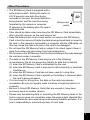
Image taken on April 15
with the folder name
setting set to [PENTX]
created.
A new folder is not
created.
The images are saved in
the “102PENTX” folder.
DCIM
DCIM
DCIM
DCIM
100
100_0401
100
100_0401
101
101_0408
100
100_0401
100
100_0401
101
101
101_0408
101_0408
102
102PENTX
102
102PENTX
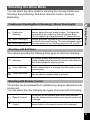
• Up to 900 folders can be created.
• Up to 9999 images can be saved in a folder.
5
Settings
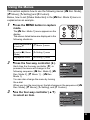
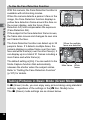
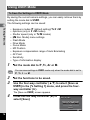
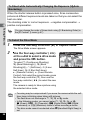
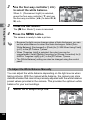
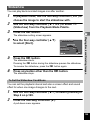
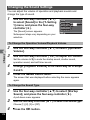
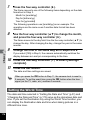
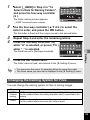
To Select a Rule for Naming Folders
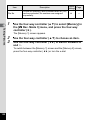
1
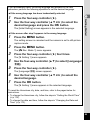
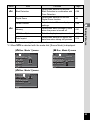
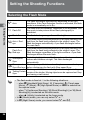
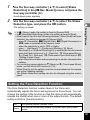
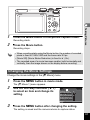
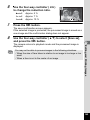
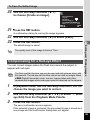
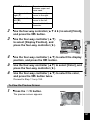
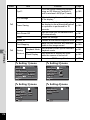
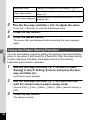
Use the four-way controller (23) to select [Folder
Name] in the [W Setting 2] menu, and press the four-way
controller (5).
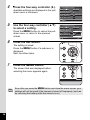
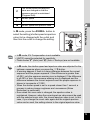
A pull-down menu appears.
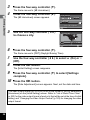
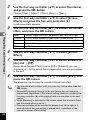
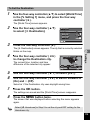
2
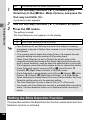
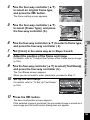
Use the four-way controller (23) to select the rule for
naming folders.
Select [Date], [PENTX], or [ _USER].
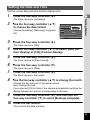
3
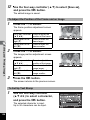
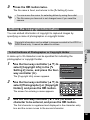
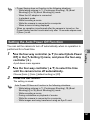
Press the 4 button.
The setting is saved.
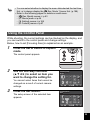
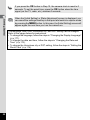
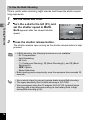
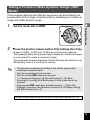
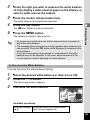
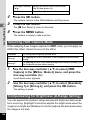
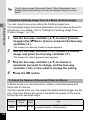
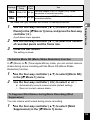
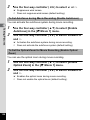
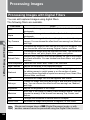
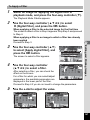
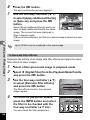
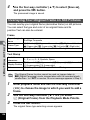
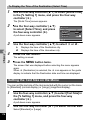
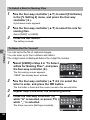
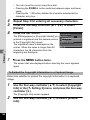
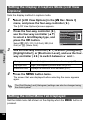
To Name the Folder Yourself
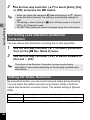
You can name the folder in which to save images.
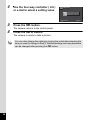
You can enter up to five numbers and letters.
The 5-digit name is displayed after the 3-digit folder number.
178