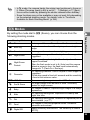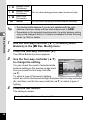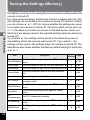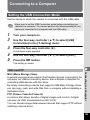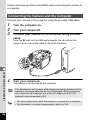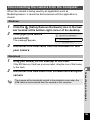
1
2
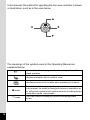
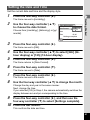
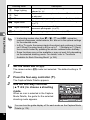
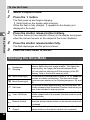
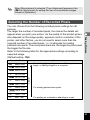
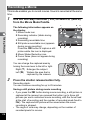
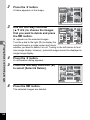
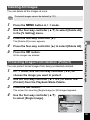
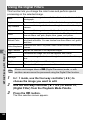
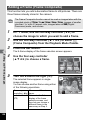
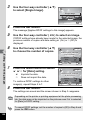
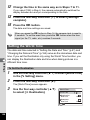
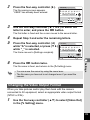
Press the i button.
A frame appears on the image.
Select & Delete 100-0010
3
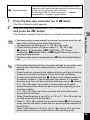
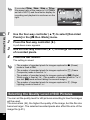
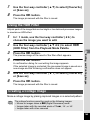
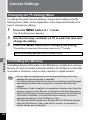
Use the four-way controller
(2345) to choose the images
that you want to delete and press
the 4 button.
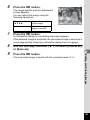
O appears on the selected images.
MENU Cancel
OK
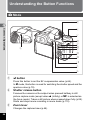
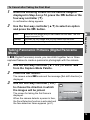
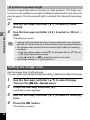
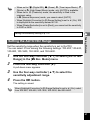
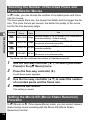
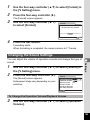
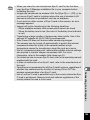
Turn the e-dial to the right (y) to display the
Delete
selected image in a single screen and check
whether you want to delete it or not. Turning to the left returns to four/
nine-image display. However, protected images cannot be displayed in
single-image display.
4
Playing Back and Deleting Images
4
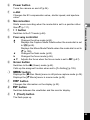
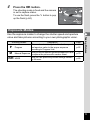
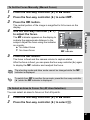
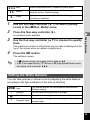
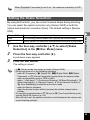
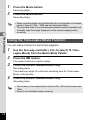
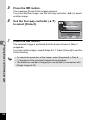
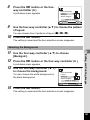
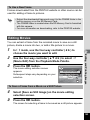
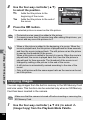
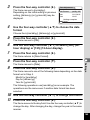
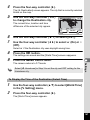
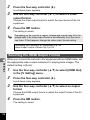
Press the i button.
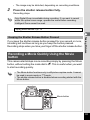
A confirmation dialog appears.
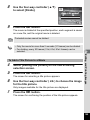
5
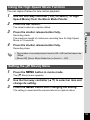
Press the four-way controller (2)
to select [Select & Delete].
Select & Delete
Cancel
MENU
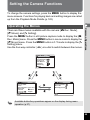
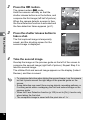
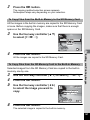
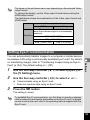
6
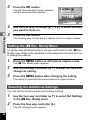
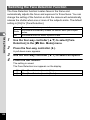
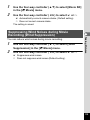
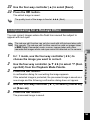
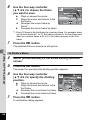
Press the 4 button.
The selected images are deleted.
130
All selected images
are deleted
OK
OK